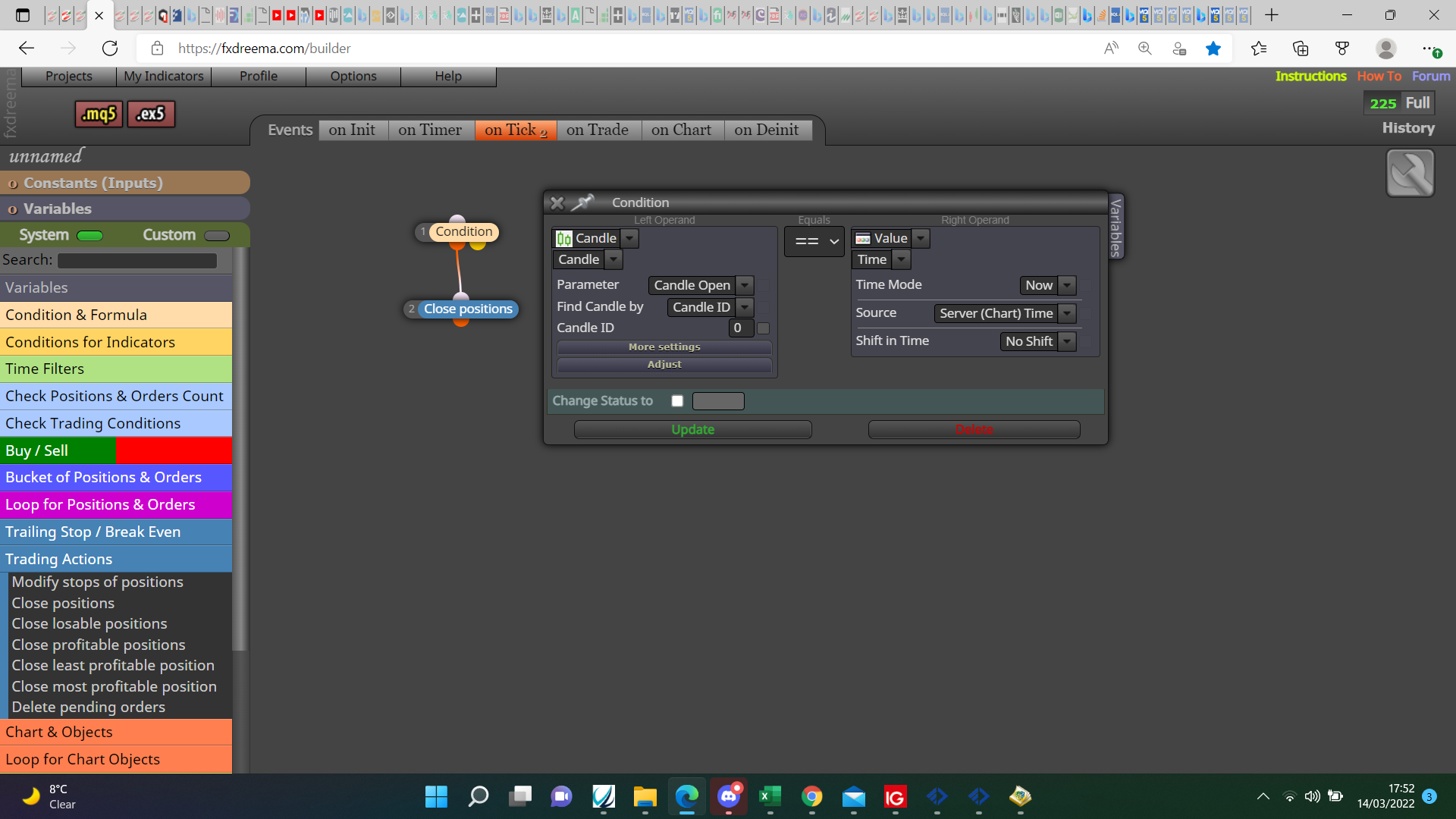
@bdewdney In your downloads folder you should get the EX file, copy this and paste, in your terminal you should have the navigator panel, right click and refresh.

@bdewdney In your downloads folder you should get the EX file, copy this and paste, in your terminal you should have the navigator panel, right click and refresh.
@boseiai Your logic is correct but only if it's comparing candle ID1 to ID2.
@facto Delete 1 trailing block, put it under an if trade block, as for placing trade I am unsure.
@boseiai I am unsure but I am supprised you get any trade, to me a cross happens on either the high or low, many people do use close though, I do not see how a candle can cross above or below, and at the same time open above or below.
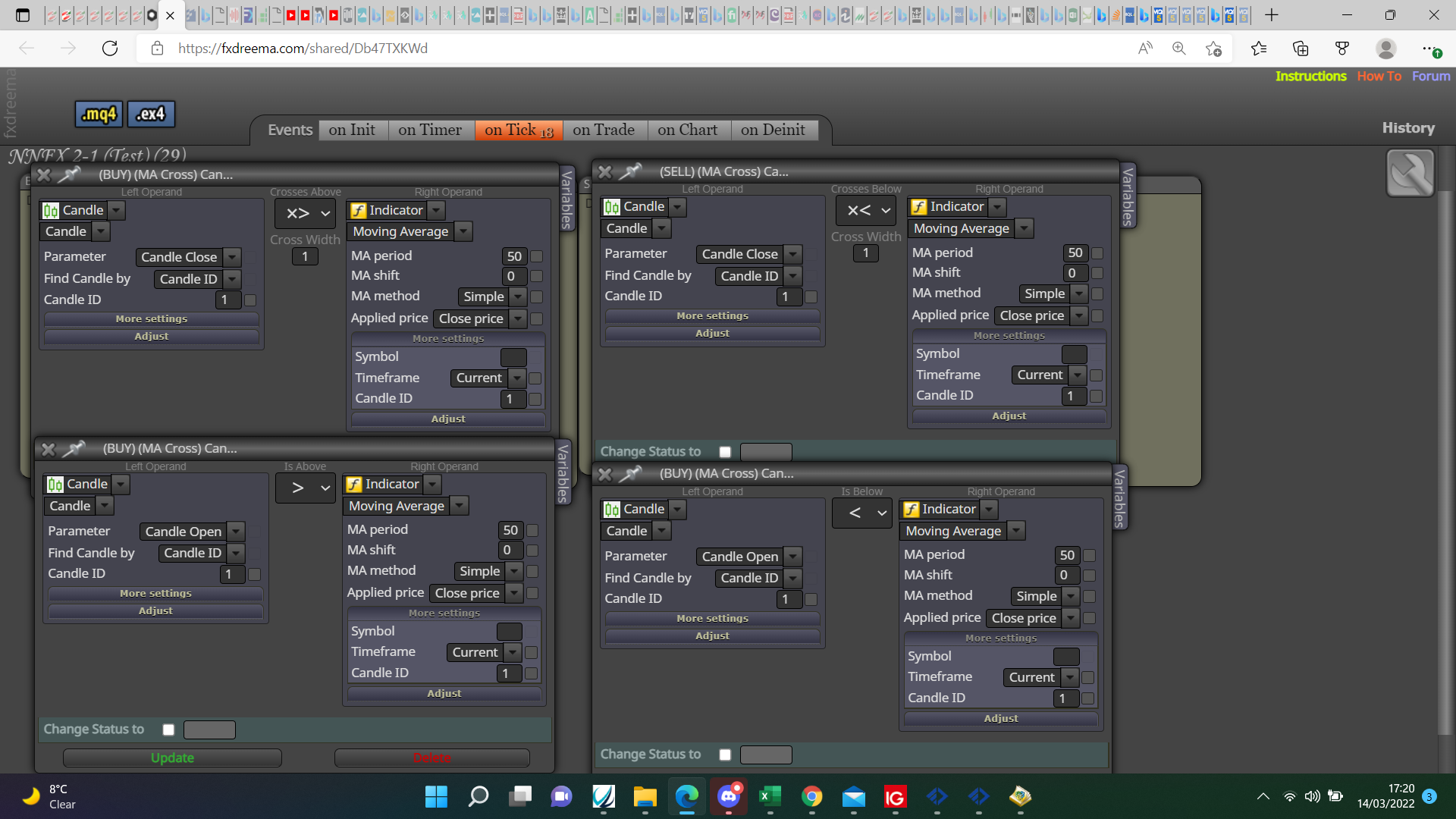
@boseiai I am unsure but I am supprised you get any trade, to me a cross happens on either the high or low, many people do use close though, I do not see how a candle can cross above or below, and at the same time opens above or below.
@bdewdney If your talking the EX file, open platform>open data folder>open mql4 folder>open the experts folder>past the EX file>refresh the navigator folder.
@campero Using SAR is simple, basically for buys, blue no trade block-conditon block left operand=P SAR "below (<)" right operand=candle open-buy block.
@rodrigo-ortuzar Use a comma like, 1,5,24,9,7869
@tipsywisdom That is how it has always worked for me, is also how is sounds to me when reading.
@tipsywisdom Maybe but the additional candles in that block expects to see the fractal arrow on more than 1 consecutive candle which never happens, I try to stay away from fractal because it never sees to identify like other indicators.
@tipsywisdom If it paints on 2 but then repaints it won't paint on 3, on to it efectivily guesses that it will be correct by the time 2 becomes 3, but if wrong it delets to be repainted at another time.
@fxbam If you use a blue no trade block only one will open, you can open a trade without using a blue block then open more by using conditions to control when trades are opened, alternatively use no trade but use different group numbers for each different trade.
@sirluk The one I posted has them in, if you look in there you'll see the type.
@sirluk If you add to the project that already has the constants/variables then you don't need to touch, if you add to a project without then you need to add, as long as the type and spelling are the same it will work.
@tjaart Read the instructions, search the forum, once a start has been made ask questions so help can be given. @l-andorrà offers a service where you can pay for help in this.
@sirluk as is is set at 0, the comments set on the left will show the slope number at the time, if you watch on back test put the MA on chart you can check what angle changes the number, so you know what is best for settings your using, the slope candle ID range is set to 10, seems best to me but you will have to check, this will change the slope nunmber.
@mcvinbabas Sorry, forgot to add the link: