@tristyfinance So all pending orders, start a project and put a shared link, ask for the a question specific to the problem you are having so advice can be given.

@tristyfinance So all pending orders, start a project and put a shared link, ask for the a question specific to the problem you are having so advice can be given.
@marcussmale Candle 0 is the current candle, so on daily will be looking at the day before, I would use candle high/low on 0.
@marcussmale Try setting one block at a time, then adding the next, this way you will know where the problem is.
@stantham This indicator uses the zig zag so possibly better to use Miro's code for that, couldn't get indicator to display on back test so hard to say but likely lags a lot, the ZZ waits for price to move before fixing the high and low, the information is in the data window so icustom will work.
Add like this:
VARIABLE1=iCustom(NULL,0,1639737842048-malas,0,0);
The penultimate number is the data window buffer, indicator has 0-3 buffers.
@marcussmale I would try the once per bar underneath, so once time filter passes the once per bar allows the others to pass once.
@l-andorrà True, but I don,t use it any way 
@bettovann There is a blue block called check trades cpunt.
@sauce This can be done but I don't think by a standard FX block, create a constant to put the indicator name, then use icustom code so you can use this name.
In this like you will see how to do it.
@sauce The comment on the left tell you the current line prices, the yellow x are being placed once per candle whenever the line goes above the line, the lines are being drawn as per the indicator buffers.
@sauce I think your EA couldn't find the indicator in your MT4 platform. Make sure the line/comment are displaying something other than 0, have made a couple of changes.
https://fxdreema.com/shared/zveQowlkd
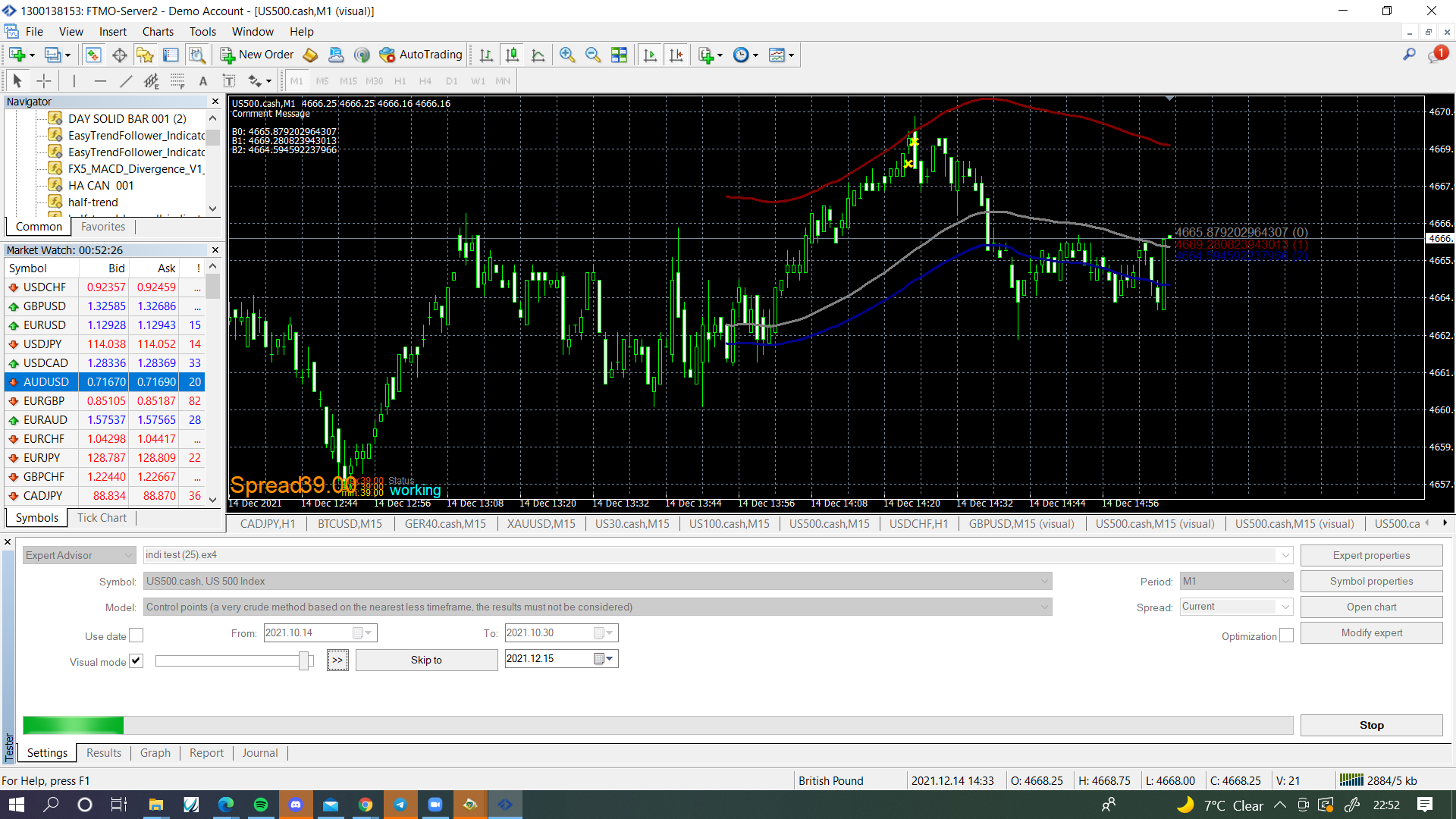
@sauce When I tested it was doing as expected, put a shared link of what you have got to and I'll have a look.
@djlaserman The comment block has been updated (2 days ago), you can now select the amount of decimal places, doesn't work with comment ugly so use the normal one.
@sauce Yes it will that is what the no trade block does, with out it every time a candle (can even be the same one) crosses the price line a trade will be placed, their is many ways to prevent this, you just need to decide and implement how you want your EA to work
@sauce This works for me, for me it only opens a new trade once one has opened.
@makabasaking In your folder copy/paste to create a copy
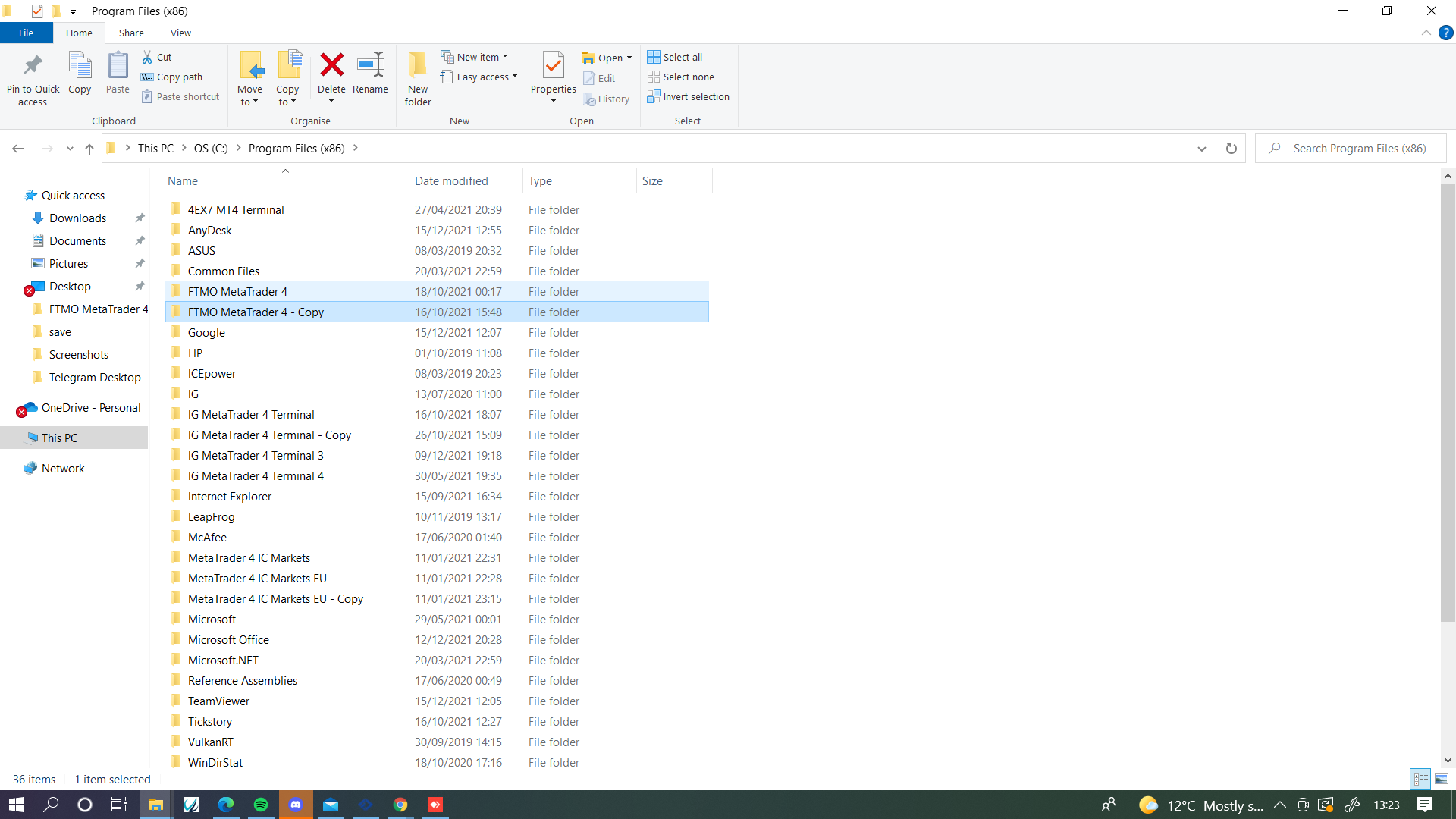
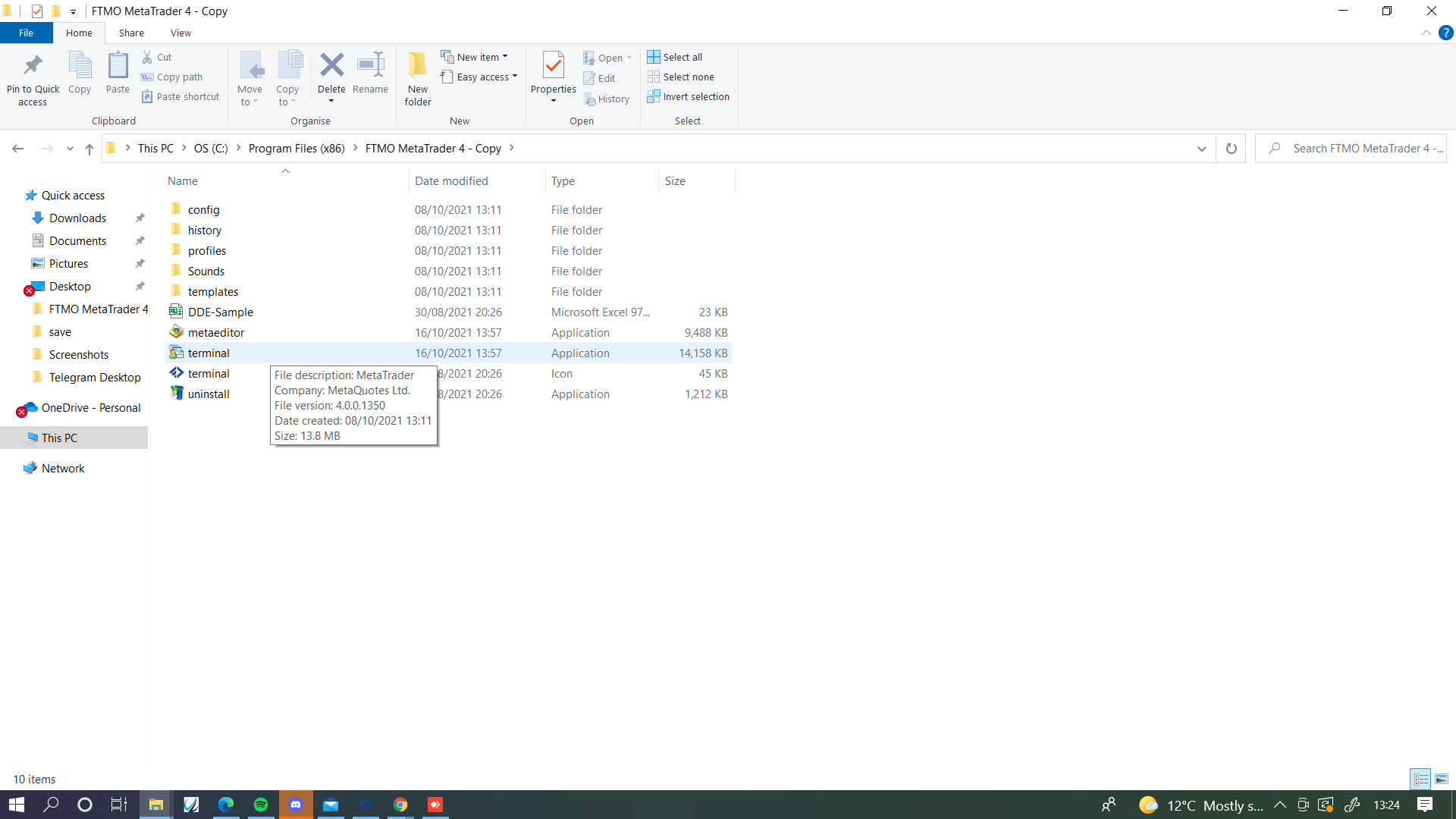
Open the copied folder and double click terminal, new copy will be installed.
@sauce In HERE is how to basically do all you want, just add to it, make changes and change the buffer you want to use.
@makabasaking Go into the folder where your mt4 is stored, copy the folder and paste next to it, open folder, click the terminal and you will have a fresh copy.
@sauce In fxDreema's post line values are in buffer 0, 1, 2, a condition block candle high > indicator buffer, will give you this.