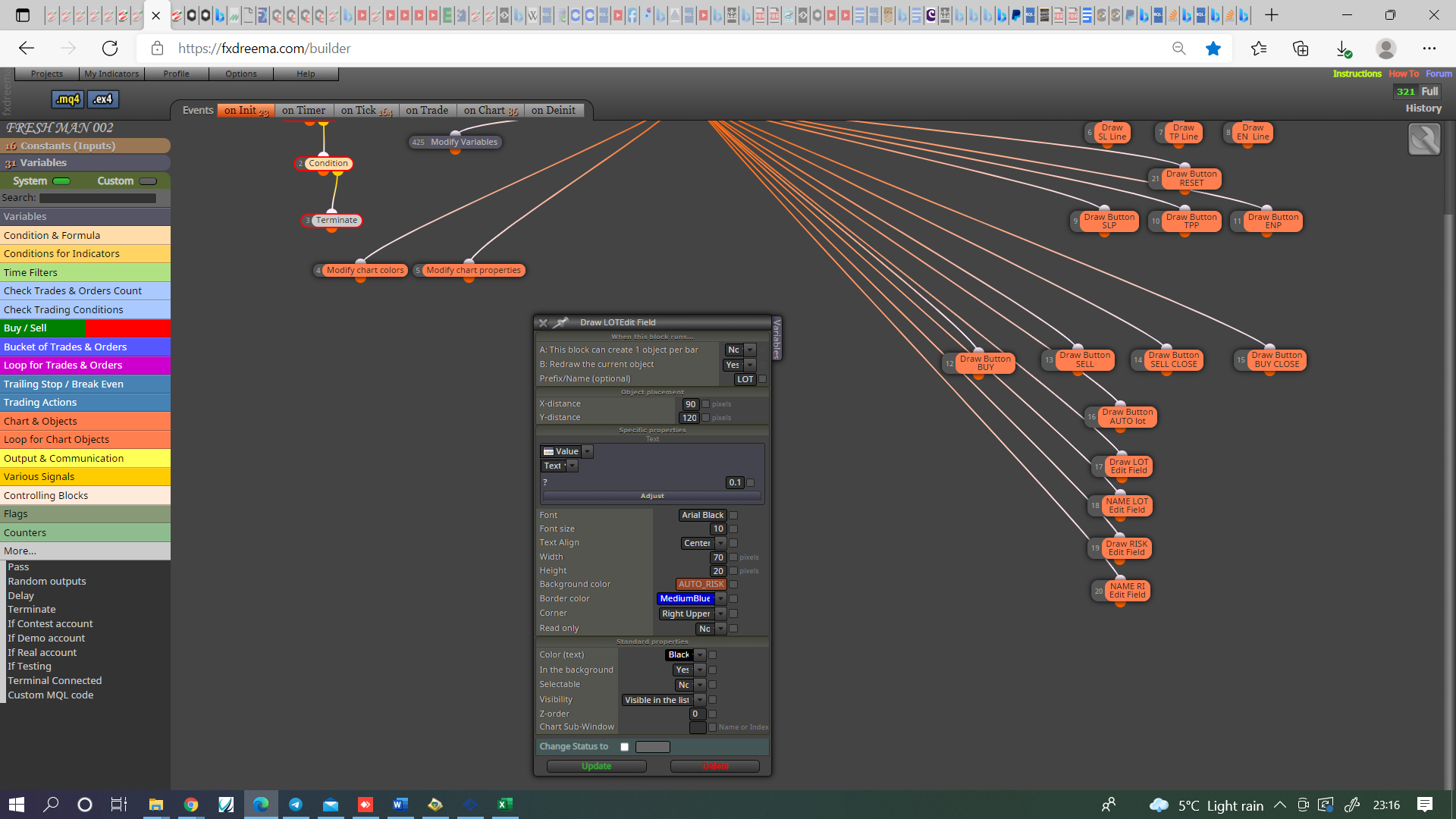
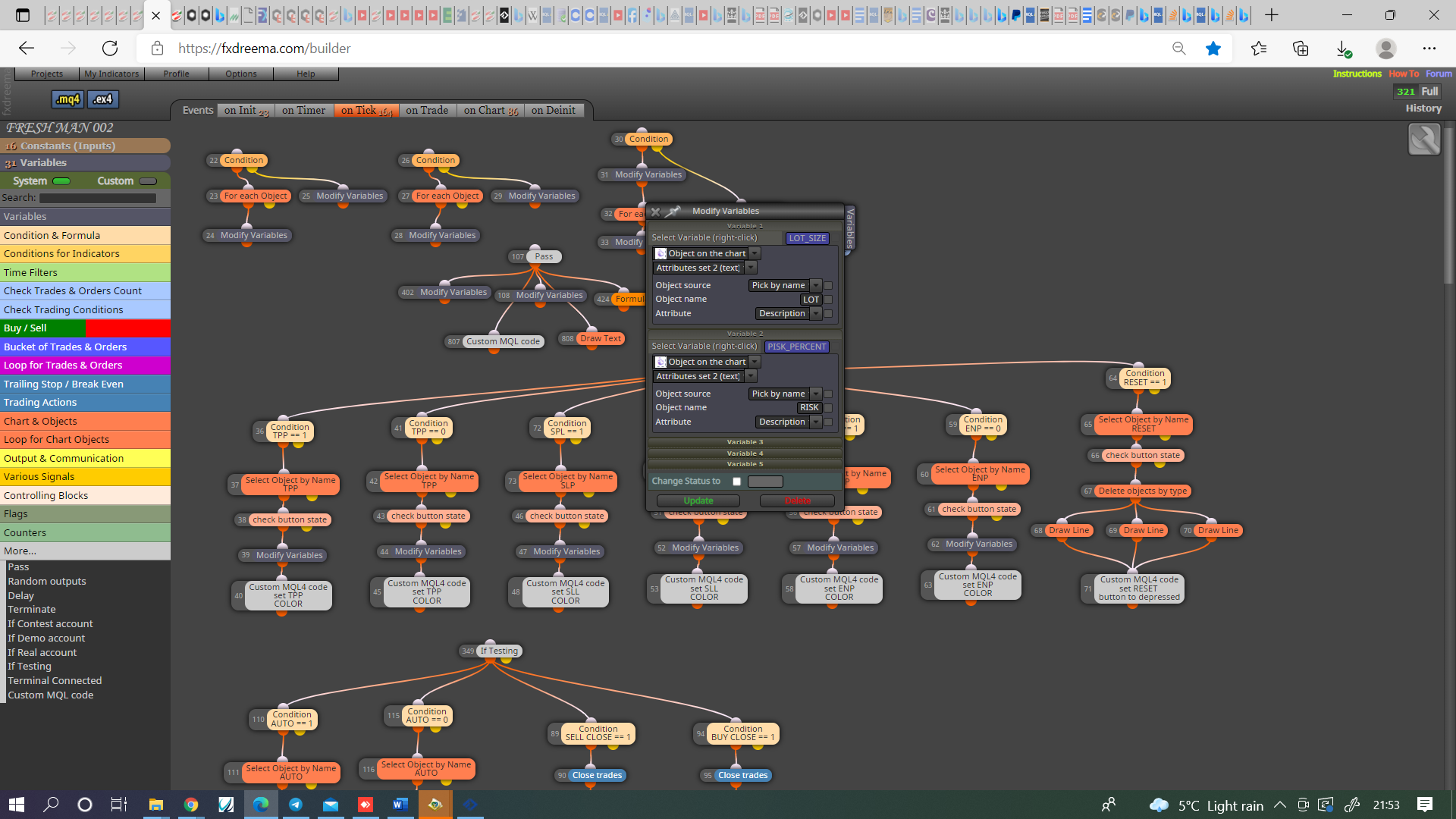
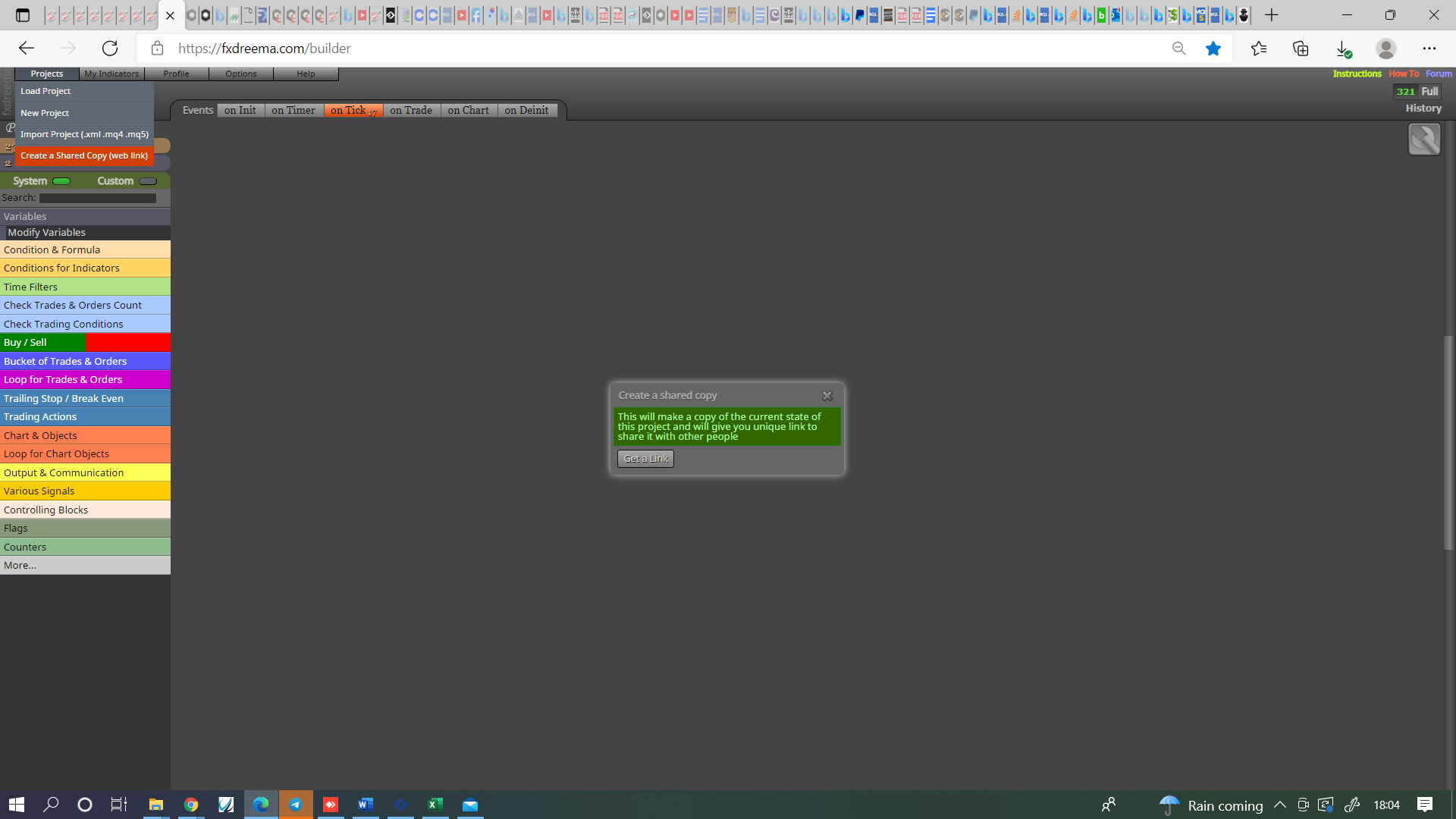
@miria-kay Get a shared link from projects:

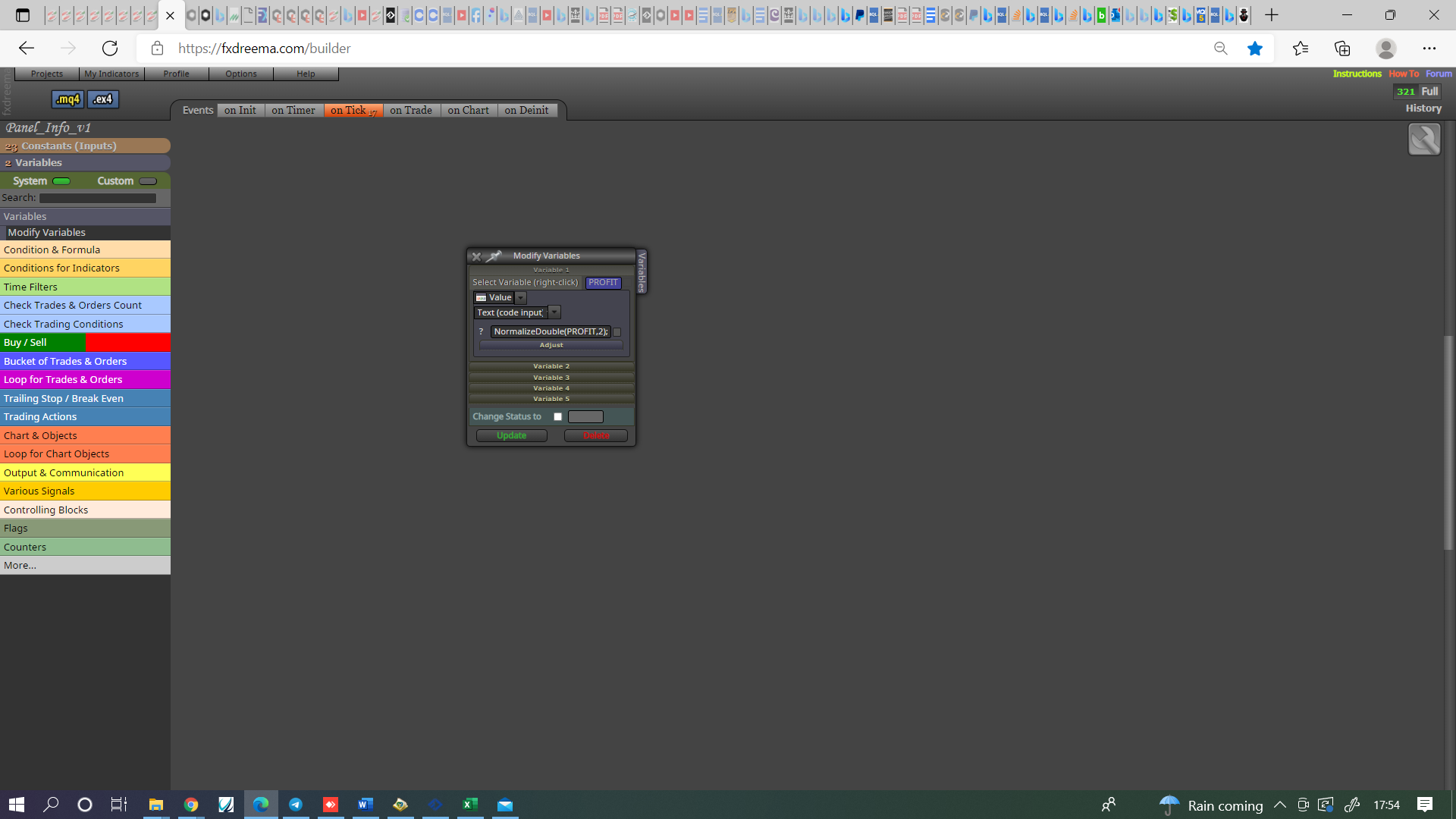
@andrewfrank This will do it, just make sure the block number is after, the number is how many digits past decimal point.
@l-andorrà No problem, glad I could.
@fxdreema This is very true and once the start is made probably easy, working out how to start though may not be : )
@jstap Also something I just thought of, maybe you need to set the trades it's looking for.
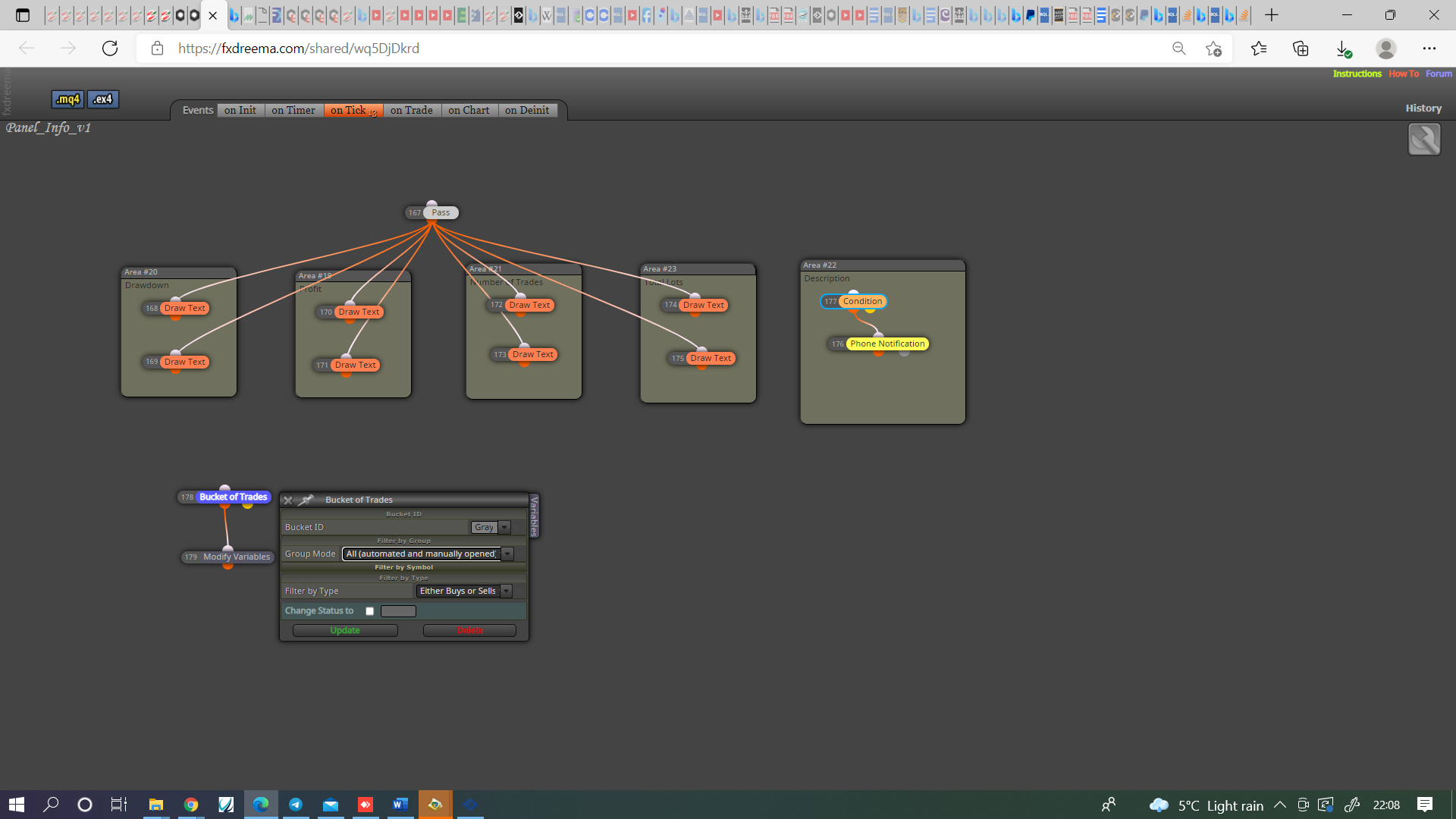
@andrewfrank Possibly a number thing, try set the bucket of trade numbers 1st (go project options and normalise block numbers first), make two trees and see if this helps, never tried with profit but bucket of trades for lots I have and it works.
@william-1 I think this is because your candle ID's conflict, I think for your 3 in a row you need to insert the start ID (4).
@andrewfrank In here you can see how to achieve, have made a few adjustments.
@slimmz How are you determining which candle is the trigger for buy/sell and what stops the candles before from opening the trade?
@sauce Was going to suggest this I just didn't know if it would choose candle hi/lo for the oco order.
Glad you got it working.
@sauce I am unsure then, process of elimination is your only option.
@seb-0 I mean left operand is a price fraction (the price on the right of screen), the right is pips. So one is height the other is distance, I didn't test because on a few occasions I have tried to compare fraction to pips but never been successful.
@abdallah-1There is both options in this pic:
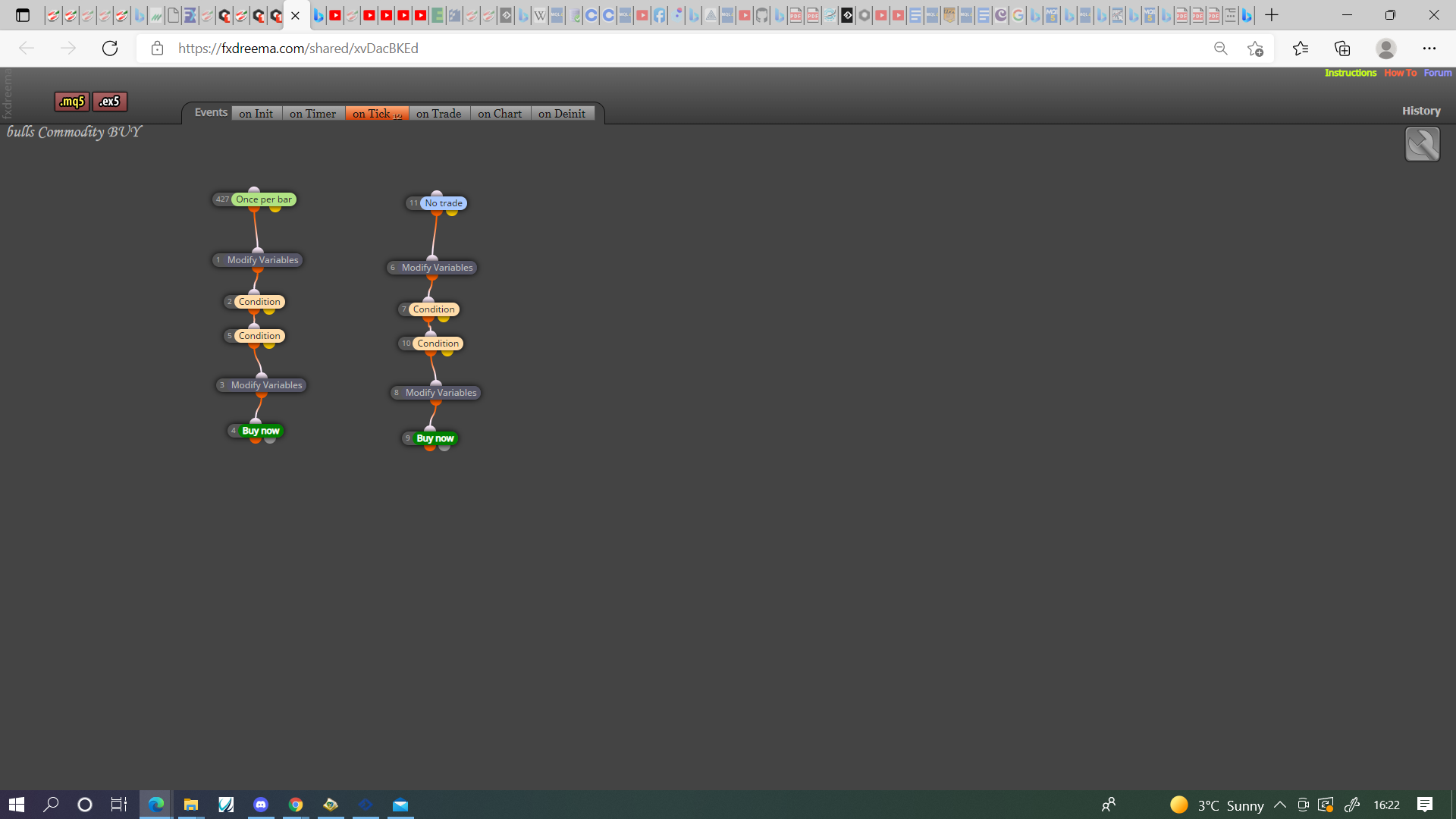
@sauce Now you need to strip back until you find the blocks responsible.
@haikel This indicator may contain 2 buffers put in indicators as this picture:
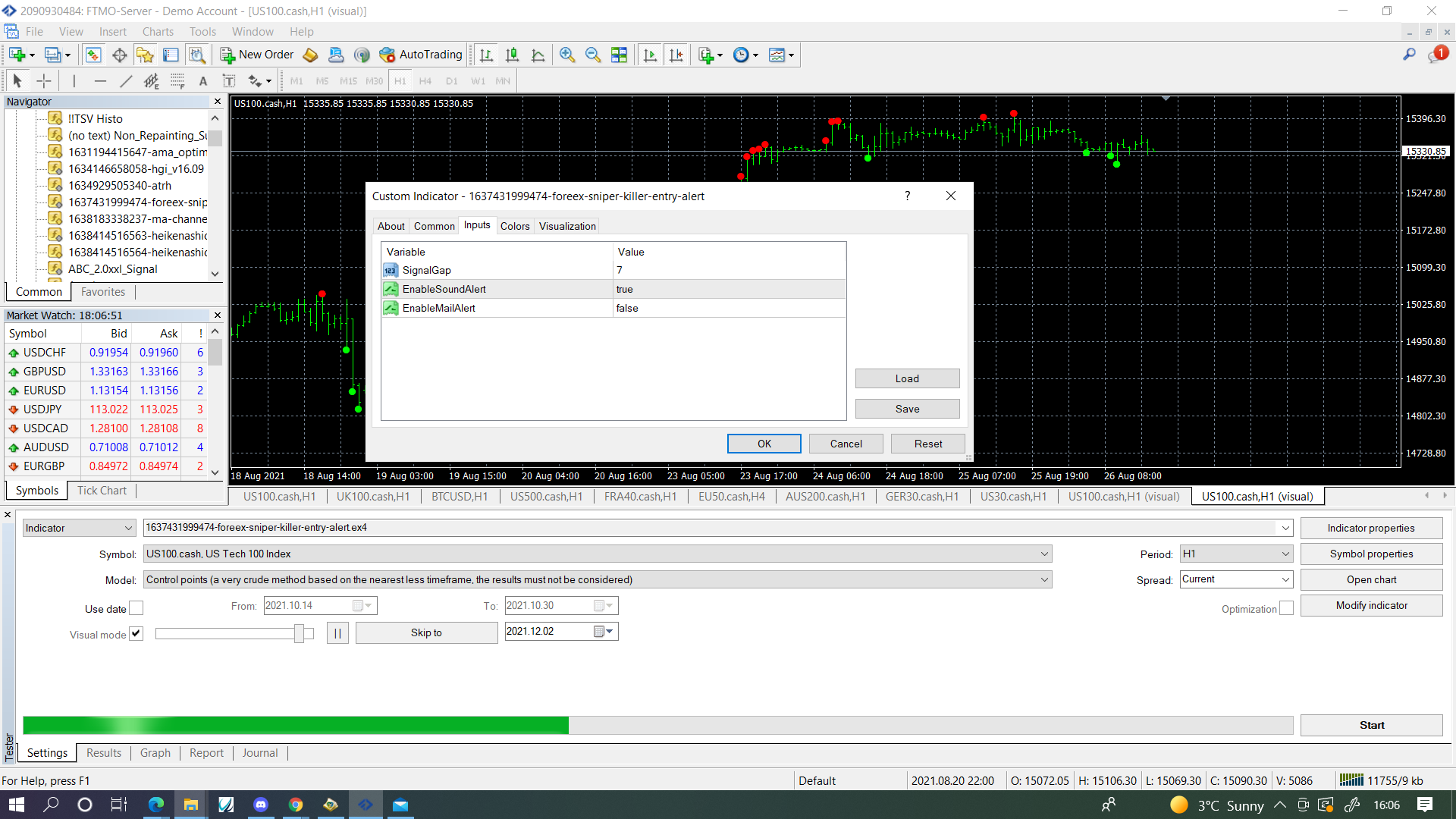
first is int
second is bool
third is bool
input them with the same spelling and value, create 2 buffers, put them in a comment and see what value is in each one, if a number changes for a second when a dot appears then this is how the fx knows when dot appears.
@ontradingx I would not use a single pink block I would use a blue if trade block, to modify stop's at each level a pink for each trade block connected to a condition, connected to a pink modify stop's block.
@daverazon As soon as you get the candle number use this to set a pending order, in pending set custom orice and use the candle high.
@sauce This is one of those errors that comes up now and then, not sure why, Start a new project with something simple like draw arrow at set time, once this is working add to your EA.