@max_well when I go into this folder I get the following address in the adress bar, as long as FXdreema matches this it will work, I will also copy and move into the (non market) indicator folder.
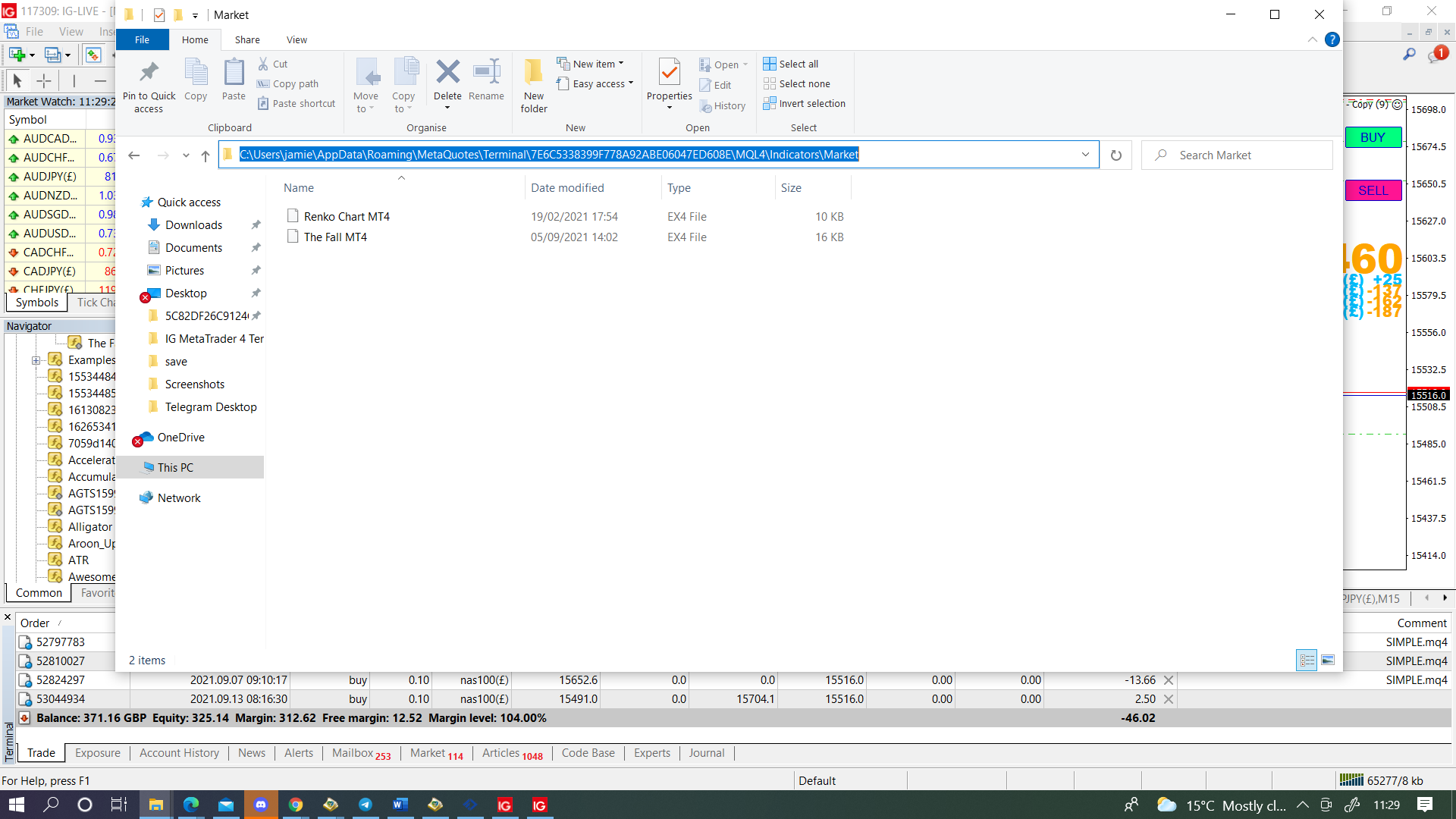

@max_well when I go into this folder I get the following address in the adress bar, as long as FXdreema matches this it will work, I will also copy and move into the (non market) indicator folder.
@besttrader In HERE you'll see how you can achieve this, it will take a lot more than 30 variables though. hope this helps.
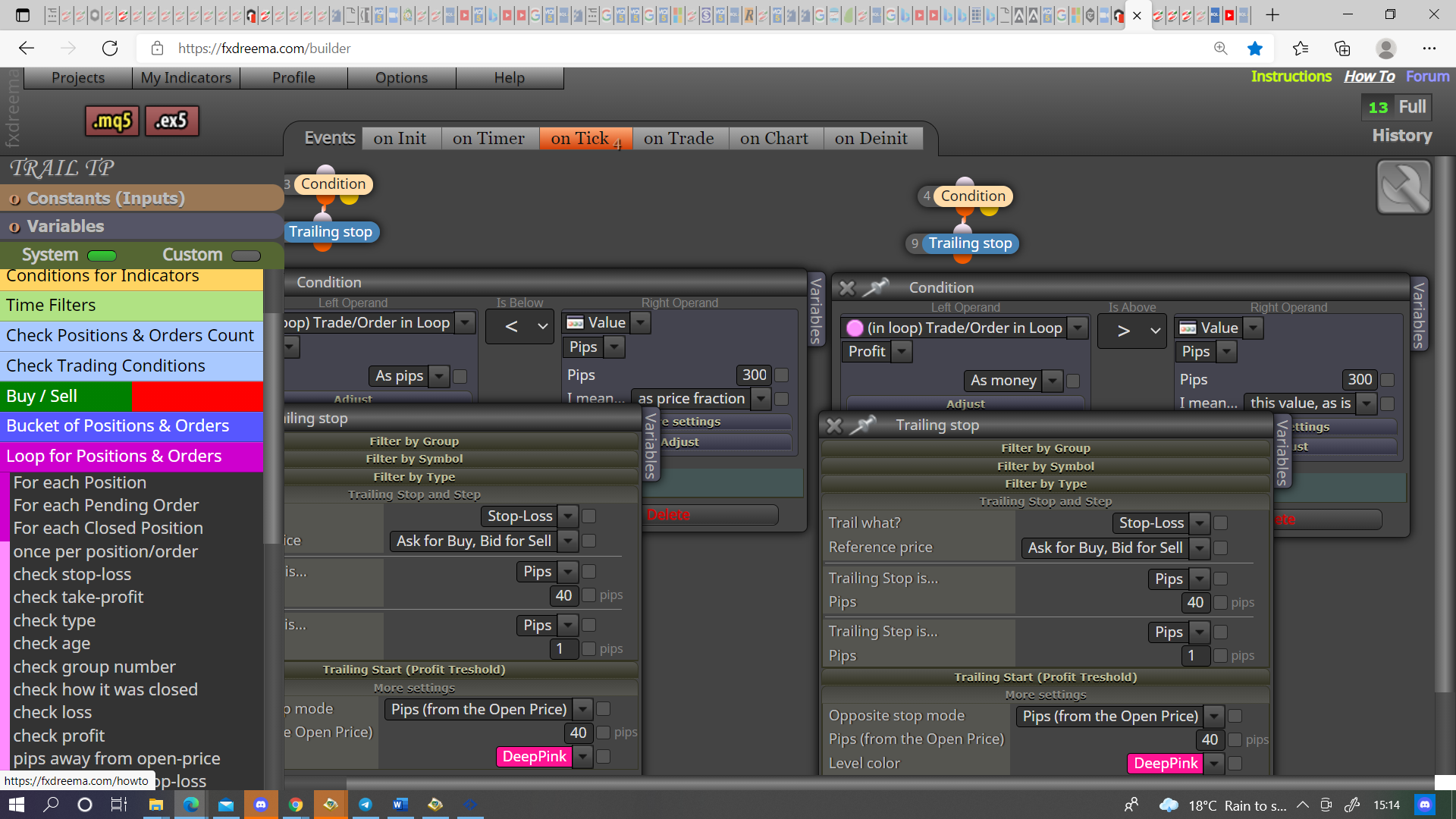
@kelrobot To trail by MA you need pink blocks, a condition to activate/deactivate trails, pink for each trade with a pink modify stops using your desired MA underneath.
@jobotgold1 LINK, I couldn't get the custom code (strange because this work's on buttons I use) changing the line, but it works in a similar way to your buttons. You had the lines being drawn two ways and this was causing a name confliction, have not completed all to get working but have done enough for you to see what you need to do, check names because I changed a few just to get working, also changed style, just for visual effect.
@emreizmir The stops start/stop when condition is true/false, every position you want a trail to change have a condition to control. You can also use the pink blocks, or purple blocks on the trade tab. The combination you use depends on your need
@emreizmir You mean loop in MT5? https://fxdreema.com/shared/hpxmmqQDc, if you want to add this to your project I don't mind helping, just let me know what you're stuck on.
@jobotgold1 Have a look in HERE you'll see a few things I've added that are probably of use to you, not sure why your constants/variables didn't copy but you'll get the idea, I've not tested any. The reason why your versions weren't working is because your condition was expecting a candle to close exactly on a line, a quite unlikely situation.
||||On a side note, I will put conditions into a boolean variable and place in a comment so I can visually check what is or isn't working. Hope this helps
@emreizmir Try adding once per bar like THIS, blue blocks normally go at top, sometimes a filter as it can control multiple trees, the order flow is best set to limit what EA can do at any given time.
Once you have this working you can add a loop like THIS, you can use this for most conditions you like and it allows you to limit how often sothing like a cross happens.
@jobotgold1 The logic you have written should work, you can use custom code to change colour but this can be difficult and depends on weather MT4 or MT5, if you put a shared link here someone can look and see what's happening.
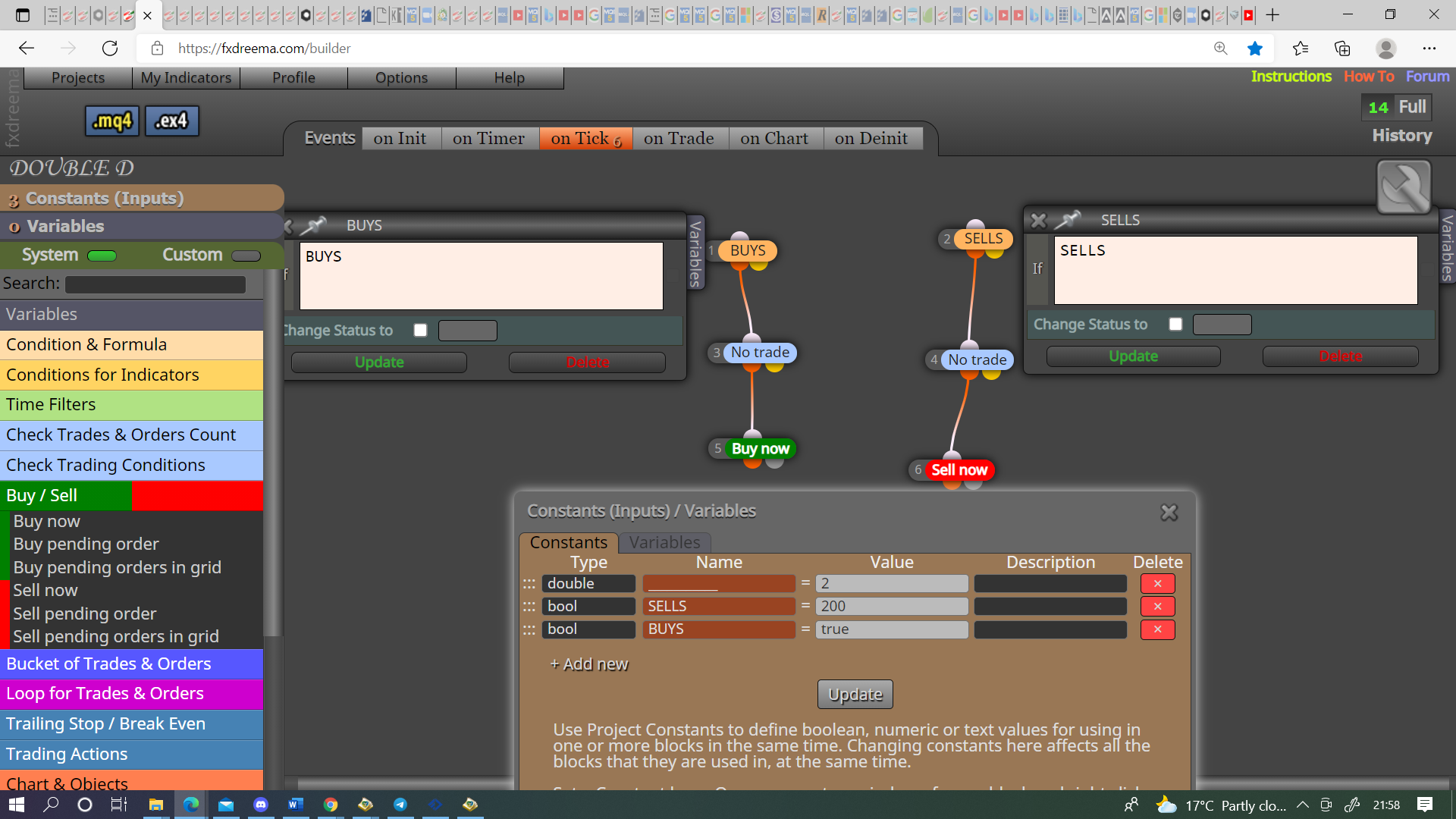
@muneeb00 The 2 is nothing just an existing project, make a third constant for buys and sells, put this at top and connect to buy/sell tree, off the yellow connect the buy and sell conditions and connect to your trees as normal. I do think tis is pointless though, either way you have to open your inputs to change so, by adding both together you are add blocks to the code for no reason.
@musa-5 My general theory is (and I think you will see this in the tutorials section), is filters go above as you can filter multiple trees from 1, they do work below and sometimes this is necessary, blue blocks go at top but possibly under a filter, this is where they seem to work best and prevents the EA from doing work when it doesn't need to. so basically as the logic works from the top down one block at a time, your better to stop the flow as soon as possible.
@muneeb00 Your question is not very simple, or I don't understand what you want. What I have showed you will give you the option to use EA for just buys, just sells or buys and sells. The above picture shows exactly how to implement, just use the buy condition above your buy conditions, use the sell condition above your sell conditions.
@muneeb00 Do as in the picture, one for buys and one for sells, put above your buy/sell tree
@muneeb00 Those options cannot be changed in fxdreema, but what I put above allows you to switch on/off buys and sells.