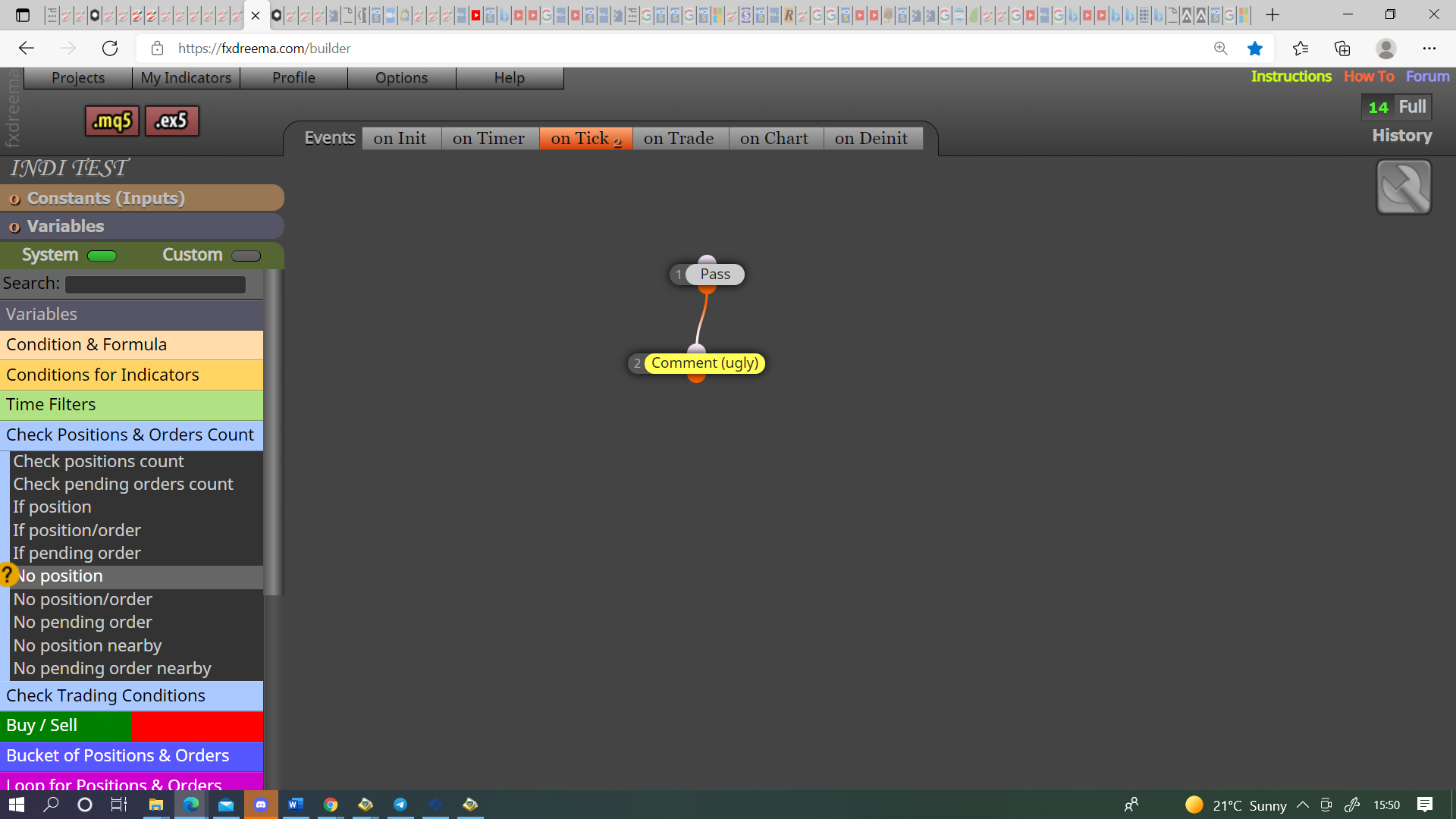
@muneeb00 It doesn't matter it is exactly the same

@muneeb00 It doesn't matter it is exactly the same
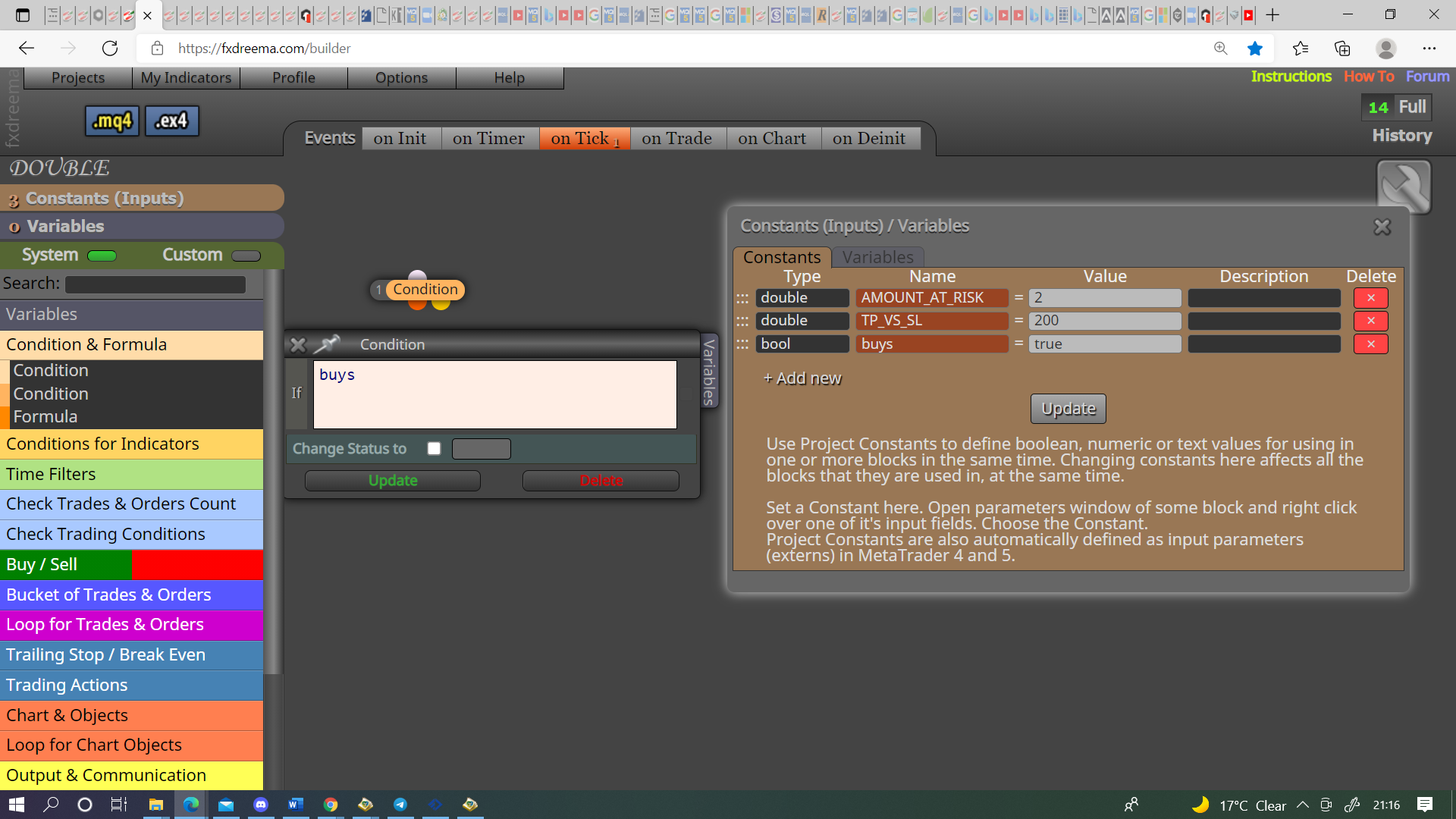
@muneeb00 I think you are looking for this, the logic is if input buys = true activate next block.
@muneeb00 If you are talking about the zigzag, on the same post you got mt4 from is the information on how to use in mt5, is in the comments near the bottom.
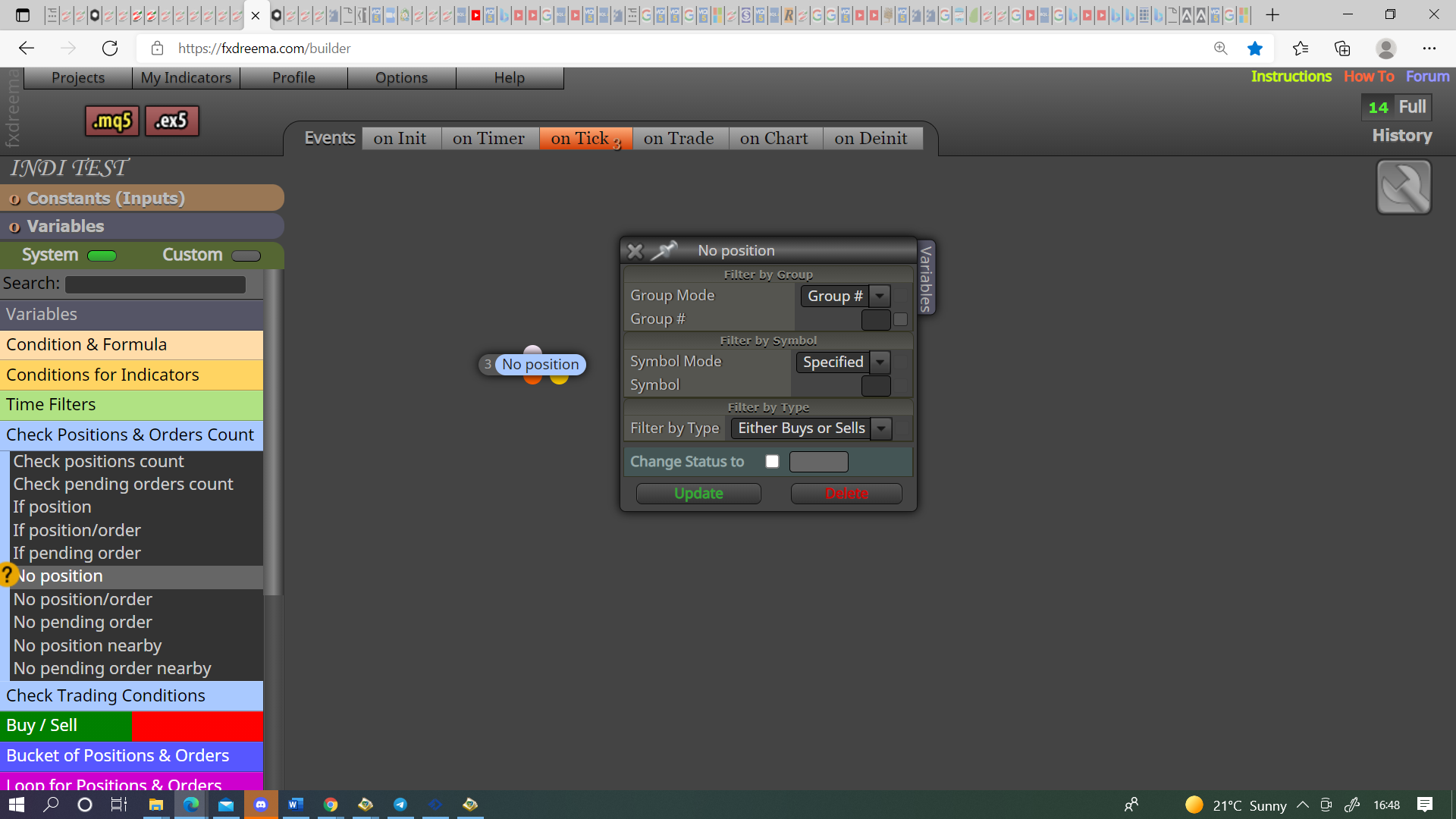
@musa-5 Yes it means if no running trade activate the next block.
@musa-5 It's on the left with all the blue check trade blocks.
@muneeb00 You didn't put the flags in as I said, you have been using without them working, flags are an on/off switch, test without, if needed add back in, simple robots don't need. People that use learn how to use once the basic EA is working, then they are added to specify the logic.
@musa-5 Not too sure what you are asking, on left blue no trade mt4 or no position mt5.
@piptheripper These both have the same result in buffer, they have no way of getting the colour, your only chance is to find one that has a buffer for each colour.
@muneeb00 Test it with buys off, then test with sells off, if these line up then you have a problem with your logic, and you probably need to more close above buy/sell.
@dinho It says in the instructions SubfolderName/IndicatorName, or just move it into your standard folder.
@muneeb00 Please do as I say, remove those flags as they do nothing, I can't see what is in those blocks from a picture but, you must have done something wrong as it was with only 1 shared no trade block.
@piptheripper Looking at your shared link the indicator has 2 buffers, I would place in a comment block, This will give you a visual number to watch, number should change when indicator changes, if not you will have to find another, the other thing you can do is open the data window to see what changes the indicator makes. If you want you can put the indicator here and I'll have a look.
@kestra If you put 0 in slippage it will ensure no slippage, but this will act for positive and negative.
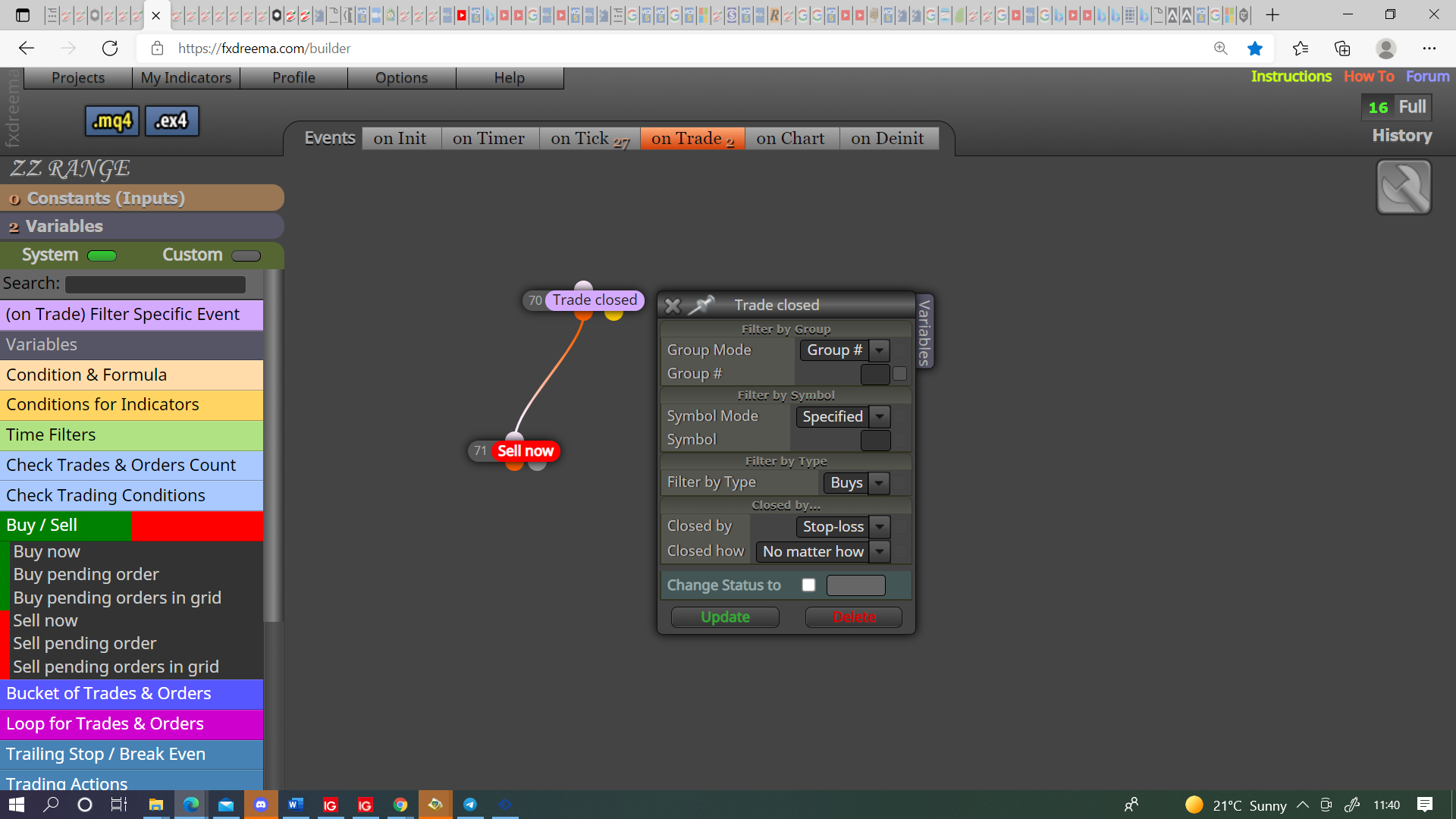
@muneeb00 This is how to get trade open upon close of another:
If your project was mine I would remove everything that is doing nothing (disconnect and move to the side), I would make the no order block into 2 and set 1 tree for buys and 1 for sells, then I would switch off buys/sells independently, as long as both are doing as expected I would then switch both on, then if all is doing as wanted I would make further refinements.
@dinho You can do and will probably work, I set as standard and then select in the block I'm using in my project.
@dinho That looks correct, once all inputs are done add buffers, name as you want, put buffers into a comment block and watch on back test. Objects that appear will have a number that go's to 0, other parameters will have the relevant information.
@muneeb00 Your flags in the above link is doing nothing, it is just constantly true. In on trade tab, purple trade closed block, under buy/sell block. you will have to restrict when this stops otherwise it will just continue to buy sell.
@muneeb00 This just depends on what works for you, as a general rule, especially with normal candles you will struggle to use close on 0, this is because as 0 closes it becomes 1 and a new 0 opens.