fxDreema

    • Register
    • Login
    • Search
    • Back to the main page
    • Categories
    • Recent
    • Tags
    • Popular
    • Search
    1. Home
    2. TipsyWisdom
    3. Posts
    • Profile
    • Following 4
    • Followers 62
    • Topics 45
    • Posts 1434
    • Best 98
    • Controversial 10
    • Groups 0

    Posts made by TipsyWisdom

    • RE: Phone Notifications

      if the notifications are setup, try to do something aside from notifications first...lke...buy and sell. If the EA will buy and sell at the points you said...then the EA logic is working fine. But now replace the notification blocks and if you dont get notifications the issue is with linking your app to your terminal.

      Also, notifications dont work on backtest.

      posted in Questions & Answers
      TipsyWisdom
      TipsyWisdom
    • RE: Mouse clicked on object block bug

      no more "ea" trading...full manual?

      posted in Bug Reports
      TipsyWisdom
      TipsyWisdom
    • RE: setting code

      @jstap its so wild to me how people interpret things so different...or rather, when they think they are asking for 1 thing, they mean something totally different they just dont even know how to say it.

      You have to be versed in logic to be able to speak logic, otherwise you end up with people who are so fucking technical and overthinking....they think they need a separate EA for each asset. LOL

      posted in Questions & Answers
      TipsyWisdom
      TipsyWisdom
    • RE: Market closed

      try using different symbols

      posted in Questions & Answers
      TipsyWisdom
      TipsyWisdom
    • RE: How do i make the one per bar as a input to turn on/off?

      then its not on off you need to switch between. You need to structure it as; if. then............

      actually, no. the bool goes and connects to the block that the once per, is connected to and it will skip it.

      posted in Questions & Answers
      TipsyWisdom
      TipsyWisdom
    • RE: Let's talk about HFT

      HFT is perspective imo. Yes, if you want to be like the medallion fund, thats HFT at a nanosecond level.

      But HFT can be achieved I think most effectively using a concept called Fair Value, and gaps in them.

      A concept I believe to be initially coined by ICT, a gap in fair value is when a candle produces a sharp move up or down, resulting in the next printed candles low or high to leave nothing but body between the 2 candles.

      Logically, a fair value gap up (upgap?) would be C1 low above C3 high, and gapdown would be C1 high below C3 low. When a FVG is initially formed, it would be in the shape of C0 opening higher or lower than C2 high or low....but only the most nimble should play with anything other than a confirmed concept.

      picture for support
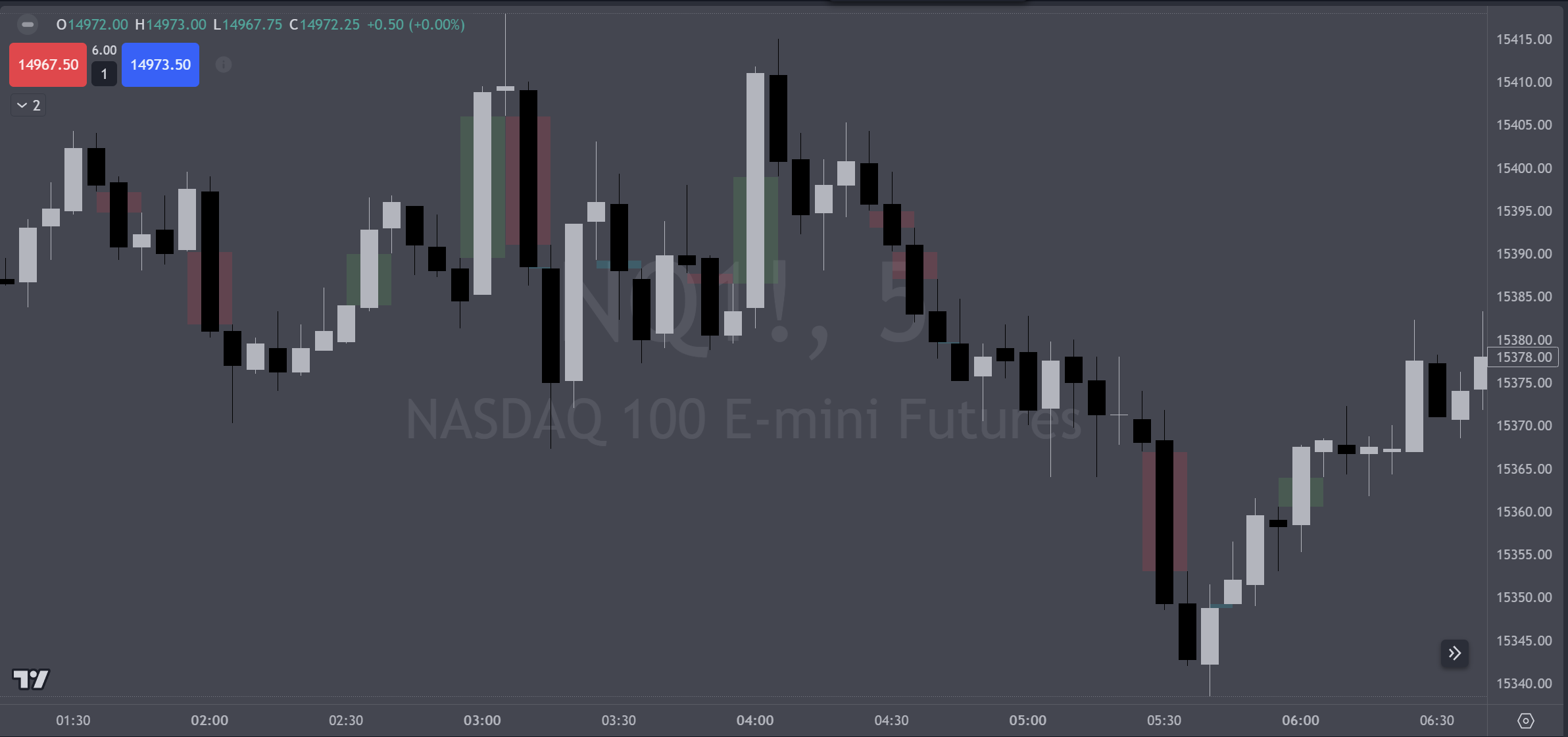
      image.png

      I might recommend just coding the concept first, make it variable as to time frame, so you can see how the lines are drawn, and then watch a 1 minute perspective while it draws the gaps on a hourly TF, for example...how it creates them, how it fills them...how it rejects them.

      logically you will want to use the high and low of each object too, so try to do it as gapuphigh gapuplow, gapdownhigh, gapdownlow, as 4 lines and youll be able to use them that way.

      As in all things EA (trading), money management is the most important. Id likely believe that RR for HFT should be the goal, because entries are least important. You must manage the financial risk heavily first with a smart MM strategy. You wont make it long enough to trade frequently if that isnt proven first.....Aggressive stop movement, profit target that will overcome losses, RR for repeatable proven performance, and how do you leave some to run.

      posted in General Discussions
      TipsyWisdom
      TipsyWisdom
    • RE: Fractal Drawing & Counting

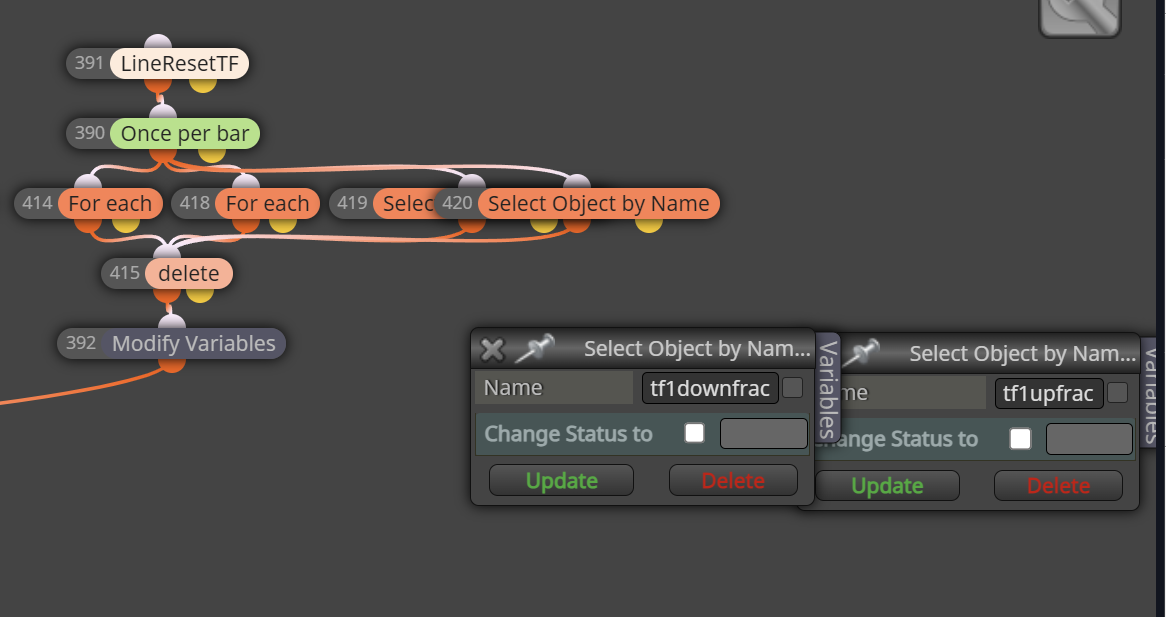
      "select object by name" was the only way to find them all. Interesting.

      @fxDreema would you happen to know why that would solve it, when the blocks done before should have solved the same problem?
      image.png

      posted in Questions & Answers
      TipsyWisdom
      TipsyWisdom
    • RE: Close some position

      theres a block called, close profitable positions. blue

      you could also you the pink blocks for a few options too

      you could close by opposite condition, so long as its profitable

      you could close by % of daily starting balance.

      you could close partials with the pink blocks, but technically, in mt5 there are no partials...its technically a new trade being entered so this makes things complicated in terms of defining new TP and SL's for this new trade.

      posted in Questions & Answers
      TipsyWisdom
      TipsyWisdom
    • RE: Fractal Drawing & Counting

      https://fxdreema.com/shared/LZPlNlxKc

      updated link for anyone who wants...still can't get those pesky lines to go away after a new day though.

      posted in Questions & Answers
      TipsyWisdom
      TipsyWisdom
    • RE: Fractal Drawing & Counting

      Whats really tripping me out and is with all those possibilities, because the counter is being moved to 0, that means its disregarding what its supposed to do before it gets there!! I have removed all individual call outs and am only removing by type or all object, they (just some) still remain...and the counter goes to 0.

      posted in Questions & Answers
      TipsyWisdom
      TipsyWisdom
    • RE: Fractal Drawing & Counting

      update
      image.png
      3 seconds later
      image.png

      i have removed lines every day by type, by all objects, and by the name of the line, and still cant get all of them removed.

      Any tips?

      20928712-1f1f-49ea-b1a0-d70fdeb752db-image.png

      posted in Questions & Answers
      TipsyWisdom
      TipsyWisdom
    • RE: Fractal Drawing & Counting

      https://fxdreema.com/shared/guv1yf5we

      while it still doesnt fix it...i was changing frac counter to zero when I want to reset it but wasnt removing the lines. This method removes some of them but not all for whatever dumbass reason. hahhahahaha love it.

      posted in Questions & Answers
      TipsyWisdom
      TipsyWisdom
    • RE: Fractal Drawing & Counting

      hah, figured it out. disregard. enjoy

      posted in Questions & Answers
      TipsyWisdom
      TipsyWisdom
    • RE: Fractal Drawing & Counting

      https://fxdreema.com/shared/f5YHc19Tb

      posted in Questions & Answers
      TipsyWisdom
      TipsyWisdom
    • Fractal Drawing & Counting

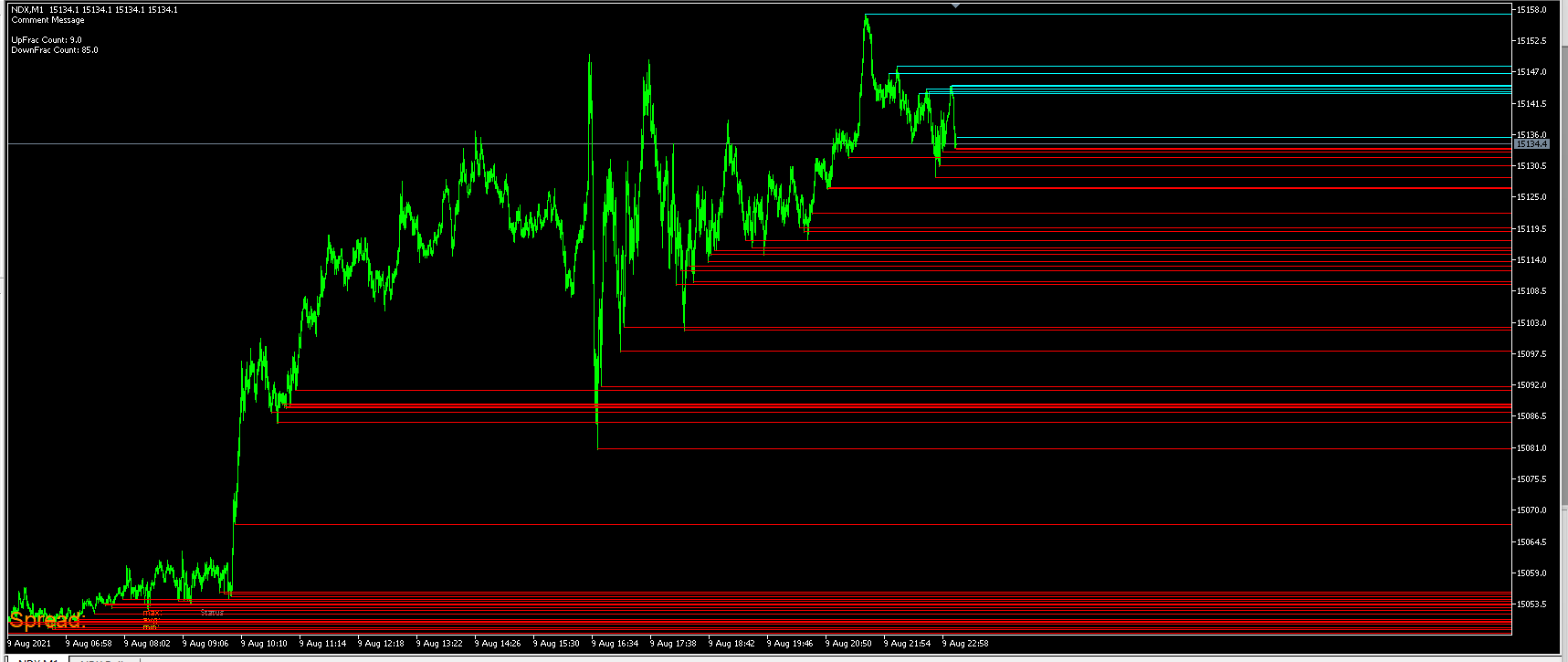
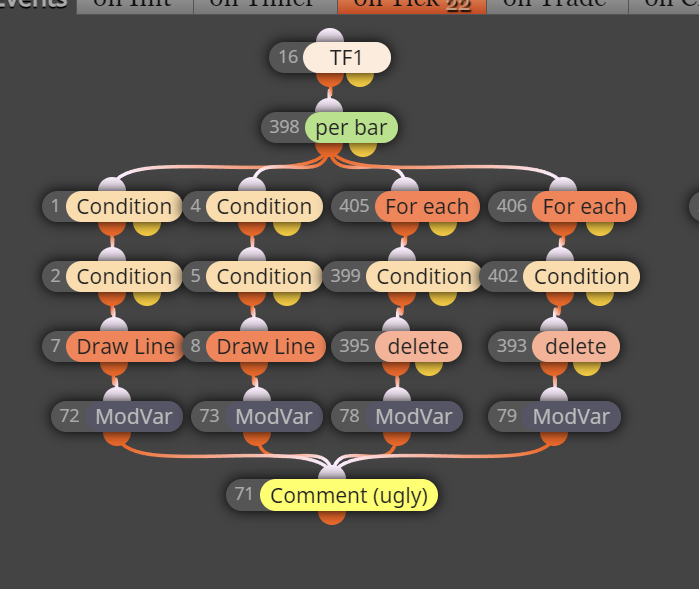
      Problem, top left corner of screenshot. you can see there is a negative number there.
      c29365a2-b1c1-47aa-982a-f0302eb52085-image.png

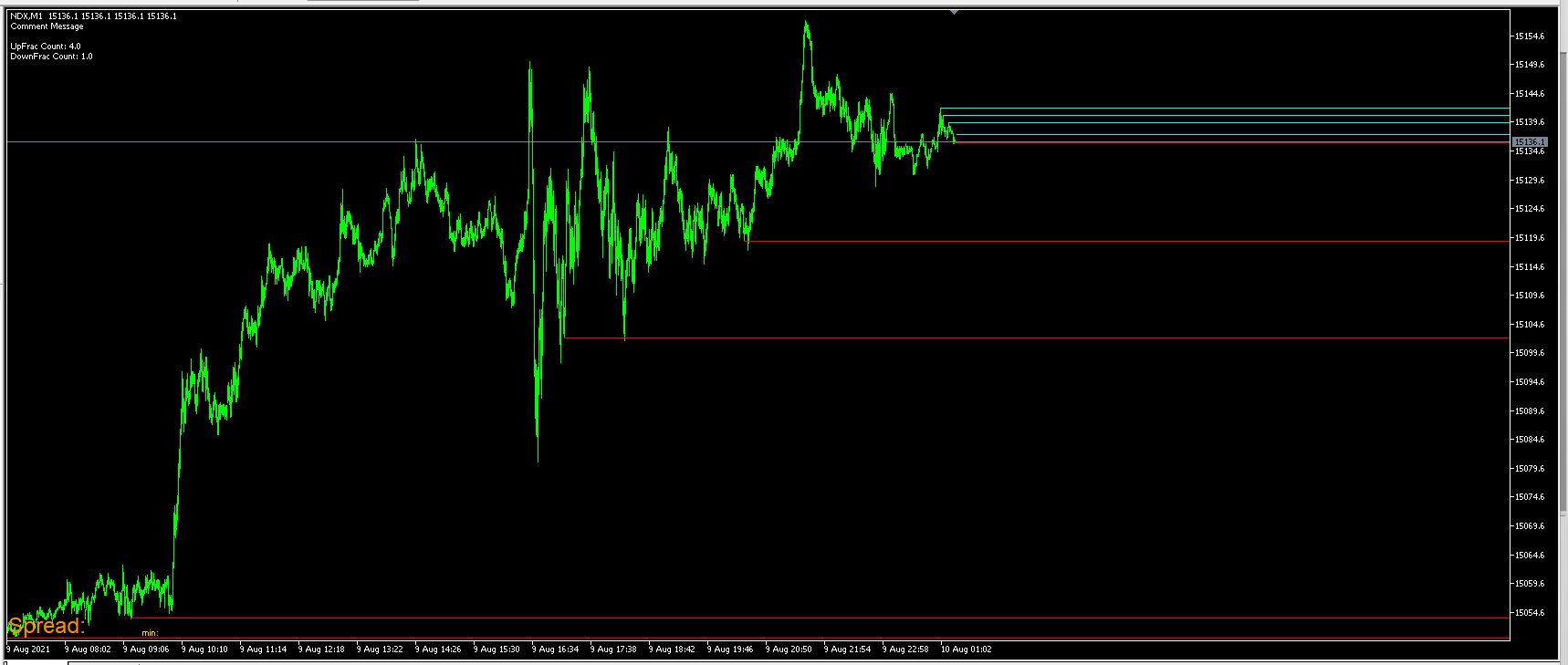
      screenshot 2, everything is under once per bar
      4fe568be-7a1c-4c2b-833b-6336f9df3e8a-image.png

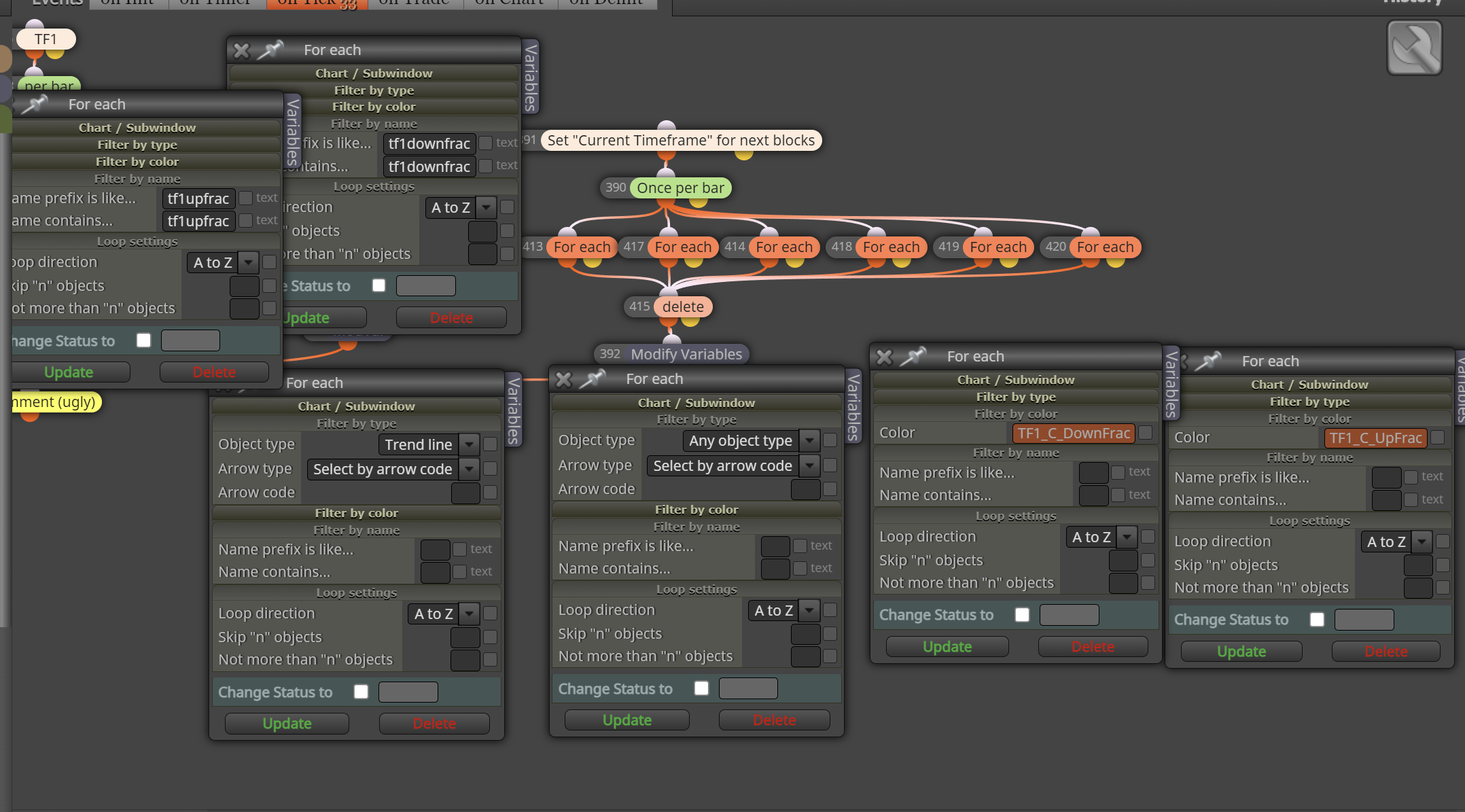
      ss 3, what removes the lines
      8d674ebc-5fc9-4a4b-b194-e438e7ccbd47-image.png

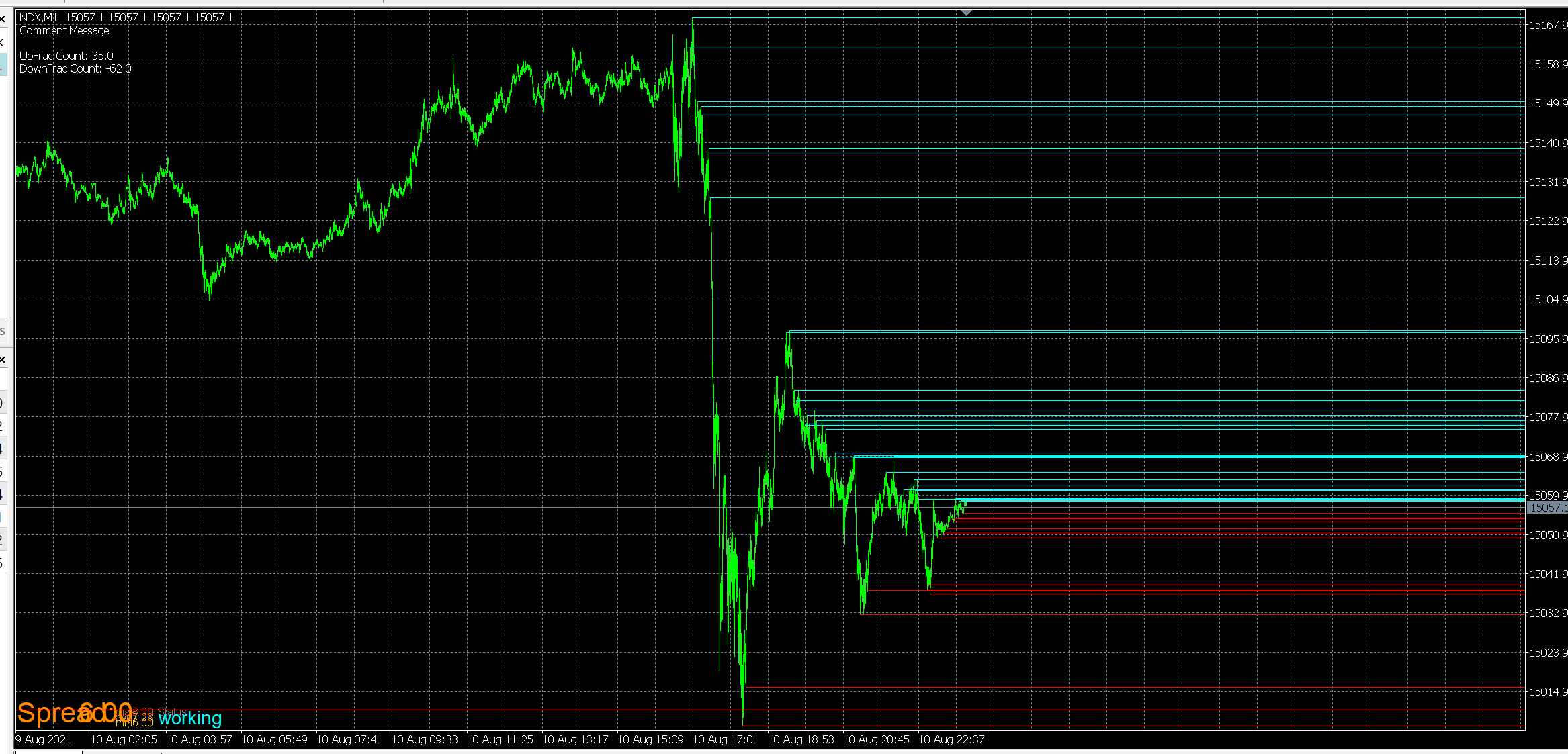
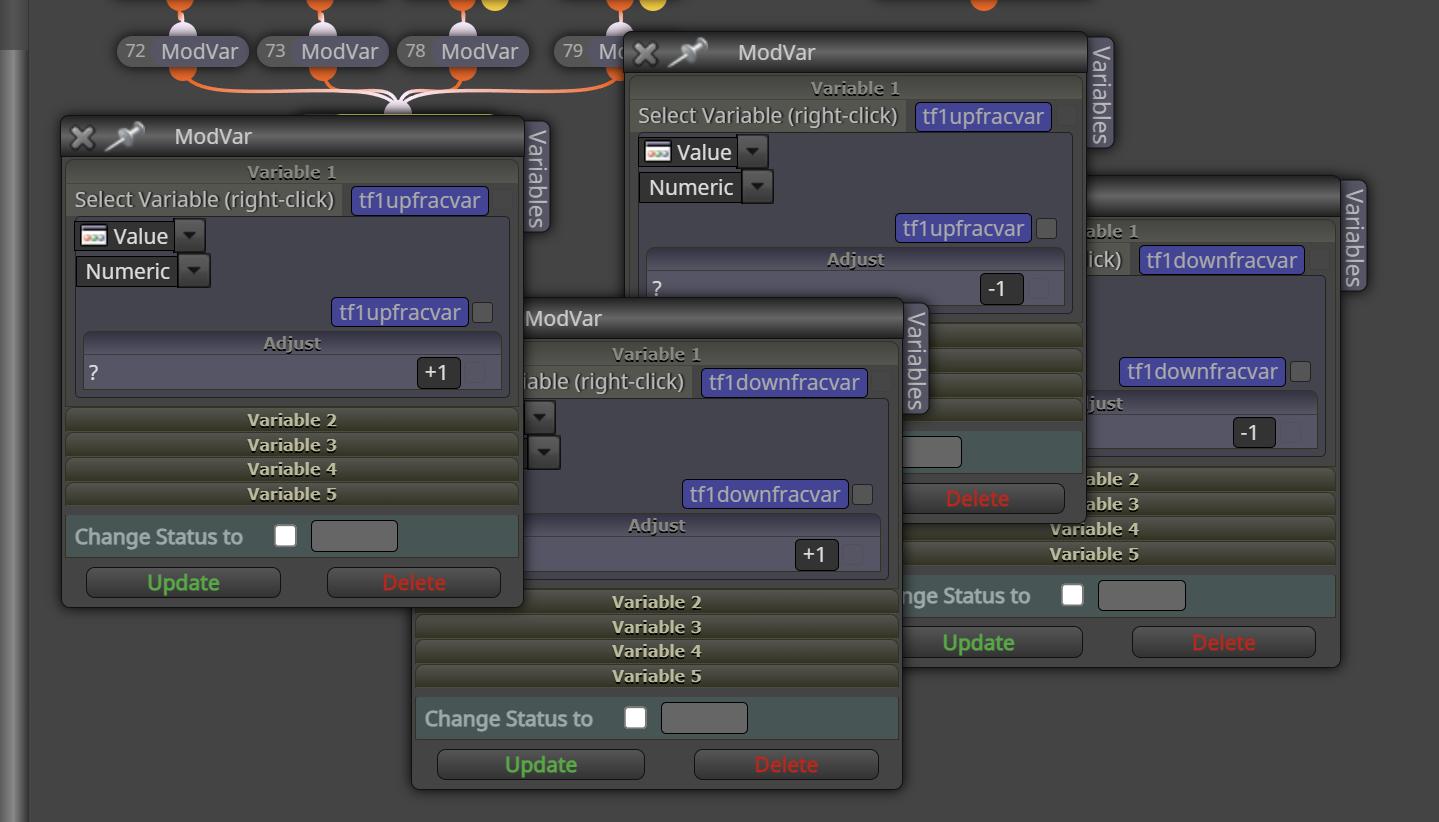
      ss4, the math to add and remove them
      4143caeb-7dee-42fe-a154-198b26e390a6-image.png

      Anyone able to point to any oversights in my logic that is leading to multiple lines being removed, or single removals being counted twice? I dont even know what the problem is because as long as my brain and eyes let me sit here and count, it works as it should. its only when i throw it on speed testing can I observe it...and it doesnt matter if im on ohlc testing or all ticks. does it for both.

      i just tried to move the bar removal and counting to be outside of once per bar, and still no difference

      posted in Questions & Answers
      TipsyWisdom
      TipsyWisdom
    • RE: Is object at Candle ID?

      that wont work for what I need. thank you.

      I figured out a wok around, just add up another variable and for each new candle +1 to the variable and then reset as needed.

      posted in Questions & Answers
      TipsyWisdom
      TipsyWisdom
    • Is object at Candle ID?

      2911411d-23f3-47d5-bf0a-a2226945de4d-image.png

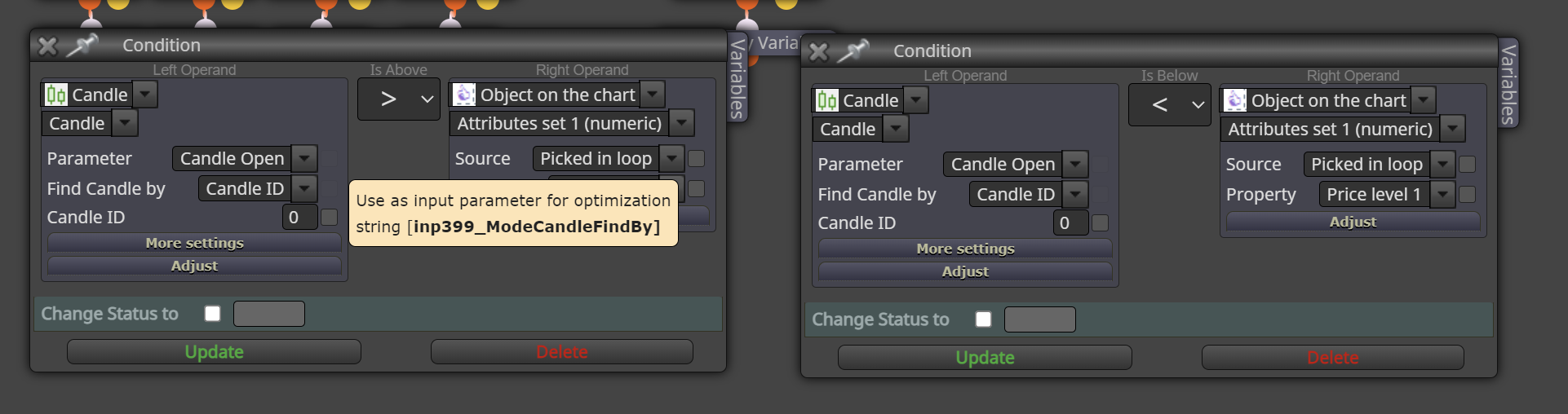
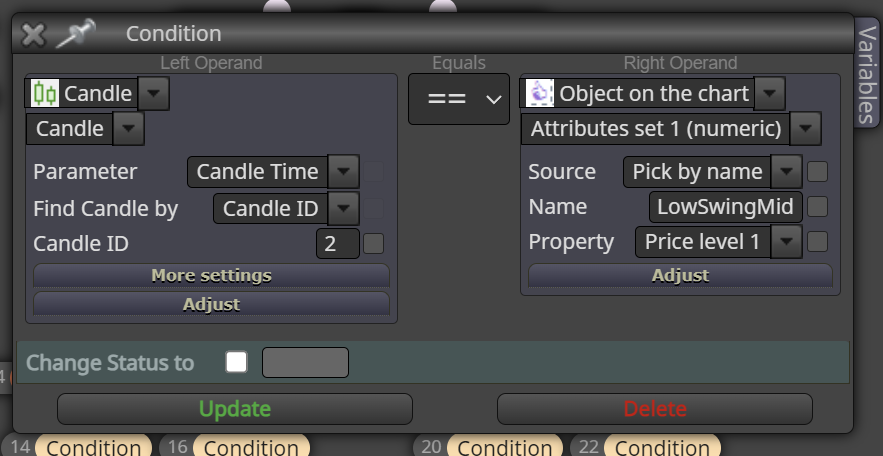
      This is the logic im attempting to do...search for an object at a candle ID. Doesn't seem to work though, any other suggestions?

      posted in Questions & Answers
      TipsyWisdom
      TipsyWisdom
    • RE: Draw Lines @ axis

      perhaps a more detailed purpose would help...

      I am trying to mark zones of time that I am allowed to trade within, by placing a small colored line across the top of the chart to represent that frame of time I can trade within. There are several zones I need to show that should all be horizontally across the same plane.

      Chart moves up, chart moves down, shouldnt matter. the lines should stay where they sit horizontally OnChart.

      posted in Questions & Answers
      TipsyWisdom
      TipsyWisdom
    • 1
    • 2
    • 3
    • 4
    • 5
    • 71
    • 72
    • 2 / 72