@romainchtr Once you click the edit thing, just use your keyboard to naviate the text area. not the mouse.

@romainchtr Once you click the edit thing, just use your keyboard to naviate the text area. not the mouse.
@fxdreema-8 said in set current timeframe block:
@tipsywisdom yes i have that right connected like thats, but on the chart if i attach it to a 1hr chart will it still look at lower time frames. thanks
I think the better way to understand it is; if you are not explicitly controlling the time of each block, or each tree with the controlling block as you did, then you EA will be affected by the manual time that you have set on the EA backtester.
In short, if you change that time, it should not affect your EA at all. That manual time selection should only be look at as a developer as the time of frame in which we view the EA. In real time, that would be the same as keeping the same EA but operating it on a different time frame, it should still exactly the same unless you reload the EA to trade on a different time frame.
Probable fix;
id put the indicator in several folders. In the primary indicator one, the download one, as well as markets. This usually fixes all problems when something worked and now it doesn't. Especially moving to a different location that you didn't build the EA on.
Reason is when you built it and selected the indicator with Dreema, it pulled the file from the computer and is aware of the location of it. Now you are trying to reference it but you moved the EA for VPS use.
@fxdreema-8 said in set current timeframe block:
Does set current timeframe block need to be attached on the lowest time used , i mean on that chart.
it shouldnt be at the bottom of your building tree, its a controlling block meaning anything set to "current" in Timeframe, that is connected below it, will be set to whatever is set for timeframe in that controlling block
@l-andorrà said in Multi Symbol, High of Day, Low of Day tracking:
@tipsywisdom Just curious. Why do you need that 'set current timeframe' block when you are running the EA on daily?
for full time control, but I run it on the 1 minute. Only time lines are drawn daily.
@traderea6 said in Stop/Shutdown EA over weekend??:
Do u Stop/Shutdown EA over weekend?? If yes, when do you start again? If no, why?
Many of my EA's operate between specific times of day, for me it would be pointless to shut my EA's down over the weekend...this is also considering I would never hold a trade over the weekend as well.
Exactly as the title says. This is an EA to display when other symbols are creating a high and low of the day, as a text on the primary running symbol.
Theres a lot of questions that go around about how to use multi symbols properly. Take careful note as to exactly how I needed to do things to make them appear on the Primary symbol. 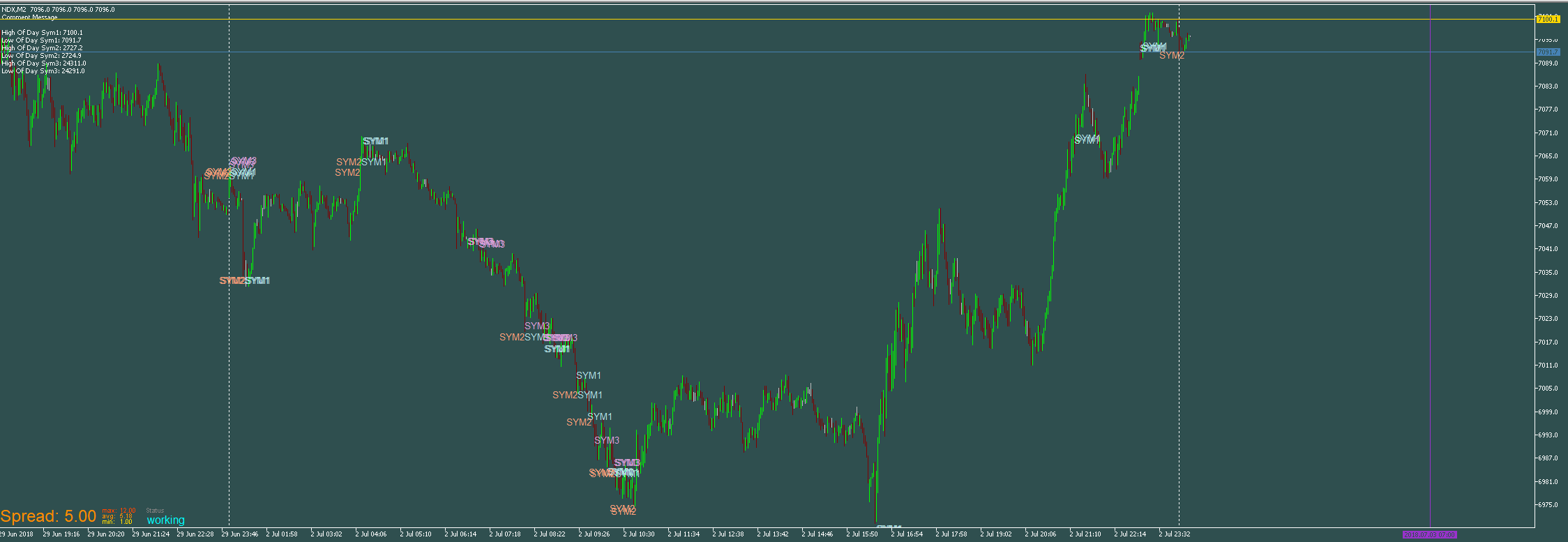
https://fxdreema.com/shared/68cIqOCS
@suleyman-0 said in convert it from mql 4 to mq5?:
thanks guys but i have to pay my last money to try i cant risk it
UpWork
haha, he sent me a direct message and that was my same reply.
@6ixpappi said in CMT5 NEWS INDICATOR:
@tipsywisdom Are you referring to the in built calendar
https://www.mql5.com/en/docs/constants/structures/mqlcalendar#mqlcalendarvalue
MT5 has a news filter built in that if you can figure out how to access it, you simply look for a 1 or 0 to see if there's a news event.
*Fairly certain there was a level to it as well, 1/2/3/4 for red, orange yellow, and gray. Something like that..
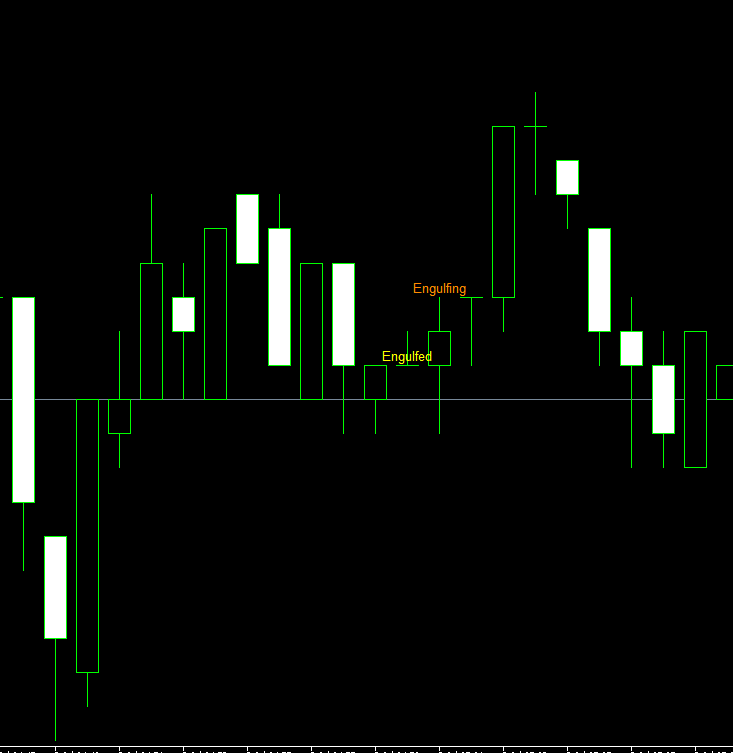
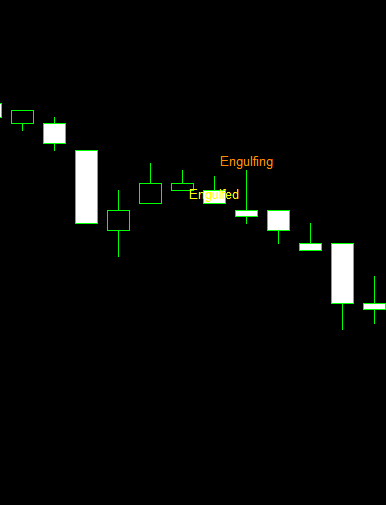
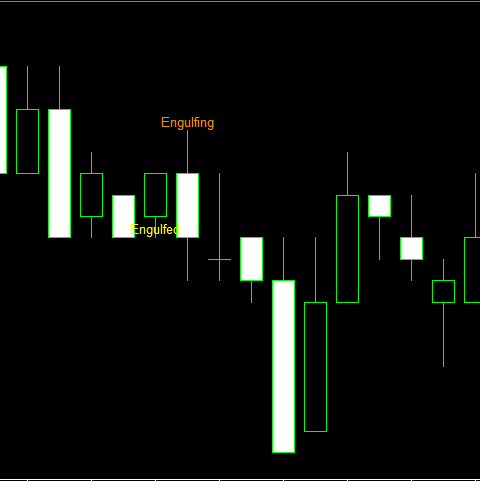
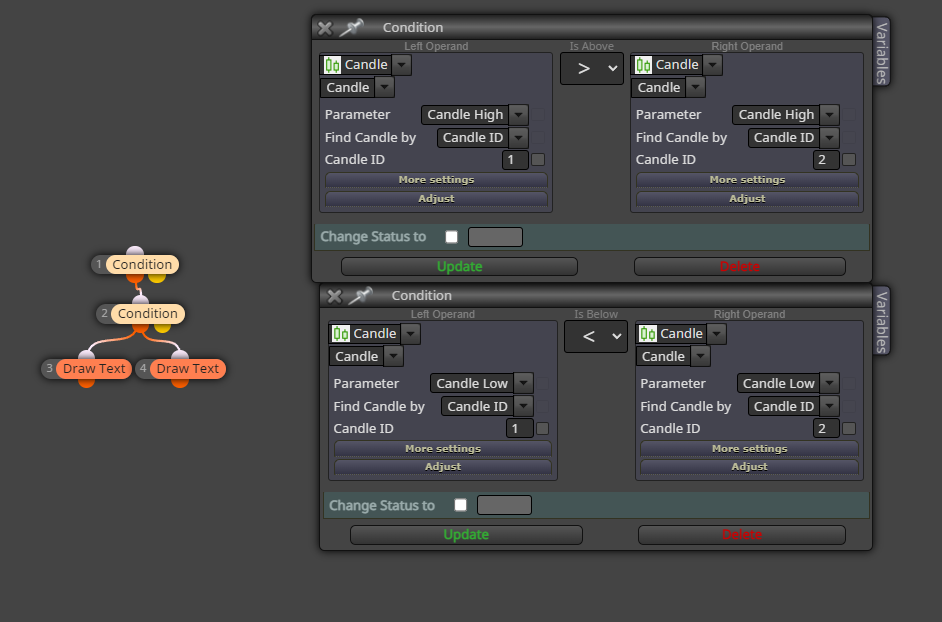
im not exactly sure what the problem is. I see you pointing to candle ID's and saying engulfing, I see a trade but you haven't explained what you are trying to achieve and whats failing.
@pcntsfadus i would start by not using candle ID 0 on anything.
people typically build loops when doing projects searching across many candles to avoid the monotony of repetitions
@iagnew said in Multiple conditions:
@tipsywisdom This is exactly what I was looking for, much more elegant than what I was trying. Thank you so much.
also dont forget to subtract if the condition is false!
heres another way to think about doing it, a weighted system using variables. Call it shortvar and longvar.
If the value of shortvar = 4, enter short. If the value of longvar=4, enter long.
How to achieve the system of math?
If condition1 is true, modify variables, value longvar=value longvar adjust +1
If condition2 is true, modify variables, value longvar=value longvar adjust +1
If condition3 is true, modify variables, value longvar=value longvar adjust +1
If condition4 is true, modify variables, value longvar=value longvar adjust +1
If condition5 is true, modify variables, value longvar=value longvar adjust +1
If condition6 is true, modify variables, value longvar=value longvar adjust +1
Dont forget that after each buy trade entered, you should reset the values down to whatever you want them to be at with another, modify variables, value longvar= value, numeric, 0